All blog posts
Published on
06.10.2026
Employee App Retail: Which tools fit communication, planning, and training?

Lisa Kubatzki
Senior Content Marketing Manager @ keelearning
description

In retail, speed often makes all the difference in the moment: a promotion starts, a product sells out, a shift changes, new employees need guidance, or a safety briefing is due. At the same time, teams work on the sales floor, at the checkout, in the warehouse, in branches, or in the field. Not everyone has a fixed PC workstation. Therefore, a retail employee app must deliver information to where work actually happens.
In this article, you will learn about the benefits of employee apps in retail, which functions are particularly important, and which tools are suitable for communication, networking, time tracking, shift planning, training, and onboarding.
Too Long, Didn’t Read: Retail Employee App
• A retail employee app connects branch teams, headquarters, managers, and operational employees without a fixed PC workstation.
• Key features include mobile communication, news, shift information, a knowledge base, training, onboarding, multilingualism, and analytics.
• For communication and networking, relevant tools include keelearning, Flip, Staffbase, and Quiply.
• Planday and Papershift are particularly suitable for time tracking, leave management, and shift planning.
• For training, onboarding, product training, and mandatory briefings, keelearning is particularly well-suited for retail chains, branch operations, and operational teams.
Book a demo now and get to know the employee app for the retail sector
Why Retail Needs Employee Apps
Retail doesn't operate like office work. Employees are on sales floors, in warehouses, at checkouts, at fresh food counters, in branches, or on the go. Information often reaches them via notices, private messenger groups, emails, verbal handovers, or individual site managers.
Consequently, typical problems quickly arise:
• Important information does not reach all teams simultaneously.
• Branches operate with varying levels of knowledge.
• New employees are onboarded differently depending on their shift.
• Product knowledge remains siloed with individual employees.
• Shift schedule changes are noticed too late.
• Mandatory briefings are difficult to verify.
• Multilingual teams understand key information with varying degrees of clarity.
An employee app consolidates these processes in one digital location. This makes information more readily available, training more comprehensible, and teams better connected.
What are the benefits of an employee app in retail?
A good employee app doesn't just support HR. It simplifies daily operations in branches, on the sales floor, and at headquarters.
Faster Communication
News, promotional information, product updates, or process changes reach employees directly on their smartphones. Push notifications, newsfeeds, comments, or target group control ensure that relevant information doesn't get lost in the wrong channel.
This is particularly important for retail, as information is often time-sensitive: new discount promotions, changed opening hours, new visual merchandising guidelines, delivery delays, or announcements from headquarters.
Better Networking
Branch teams often work separately from each other. An app creates shared digital spaces for questions, best practices, feedback, or cross-location exchange.
This is especially valuable when employees need to learn from each other. One branch tests a new product display. Another team shares tips for consultations. New employees find contact persons more quickly. This creates a stronger team network from individual locations.
More Standardized Training
Product training, safety briefings, POS training, or onboarding content can be digitally standardized. All relevant employees receive the same foundational knowledge, regardless of location, shift, or manager. You can read more about this on the page digital employee training.
Greater Transparency for HR and Managers
An app with reporting shows which content has been read, which training courses have been completed, and which certifications are still pending. Especially with many branches, this saves time and reduces manual inquiries. Related to this: Analytics and Reporting for Training.
What features should a retail employee app have?
Not every app solves the same problem. Some tools excel in communication, others in shift planning or time tracking. For retail chains, a combination often makes sense.
1. News, Media Library, and Knowledge Base
Employees need a central place for current information and consistently relevant content. These include:
• Company news
• Promotion information
• Product documentation
• Process guides
• Safety information
• Checklists
• FAQs
• Videos and microlearning content
With Media Library and News such content can be centrally provided and made available on mobile devices.
2. Communication and Feedback
An employee app should facilitate communication without turning private messenger groups into an internal communication solution. Useful features include comments, surveys, direct messages, feedback forms, or evaluations. Learn more about this at Communication and Evaluation for Employees.
3. Multilingualism
Retail teams are often international. Multilingual content reduces misunderstandings and increases engagement. This is particularly relevant for safety instructions, onboarding, product knowledge, and internal standards. Automatic translation helps companies make content available faster in multiple languages: Automatic translation in keelearning.
4. Training and Onboarding
New employees need quick orientation. Experienced teams require updates on products, promotions, safety, or processes. A learning app makes training available directly in the daily workflow.
Key areas include:
• Digital onboarding journeys
• Product training
• Sales training
• Cashier training
• Safety instructions
• Quizzes and knowledge checks
• Mandatory training with certification
For recurring content, a course library with templates.
5. Time Tracking and Workforce Scheduling
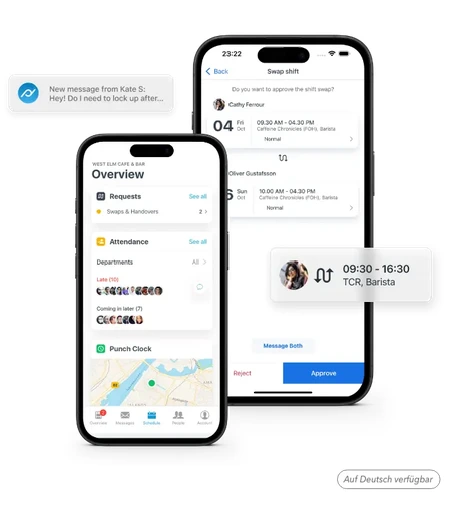
Shift planning, leave management, and time tracking often require specialized workforce management tools. These tools assist with shift schedules, availabilities, shift exchanges, working hours, breaks, and absences.
Apps by Use Case
Not every employee app in retail solves the same problem. Therefore, before making a selection, it's worth taking a close look at whether you primarily want to improve communication, connect teams, plan shifts, track time, or digitize training.
Employee Communication in Retail
For internal communication, suitable tools are those that cover news, push notifications, comments, target group management, and feedback.
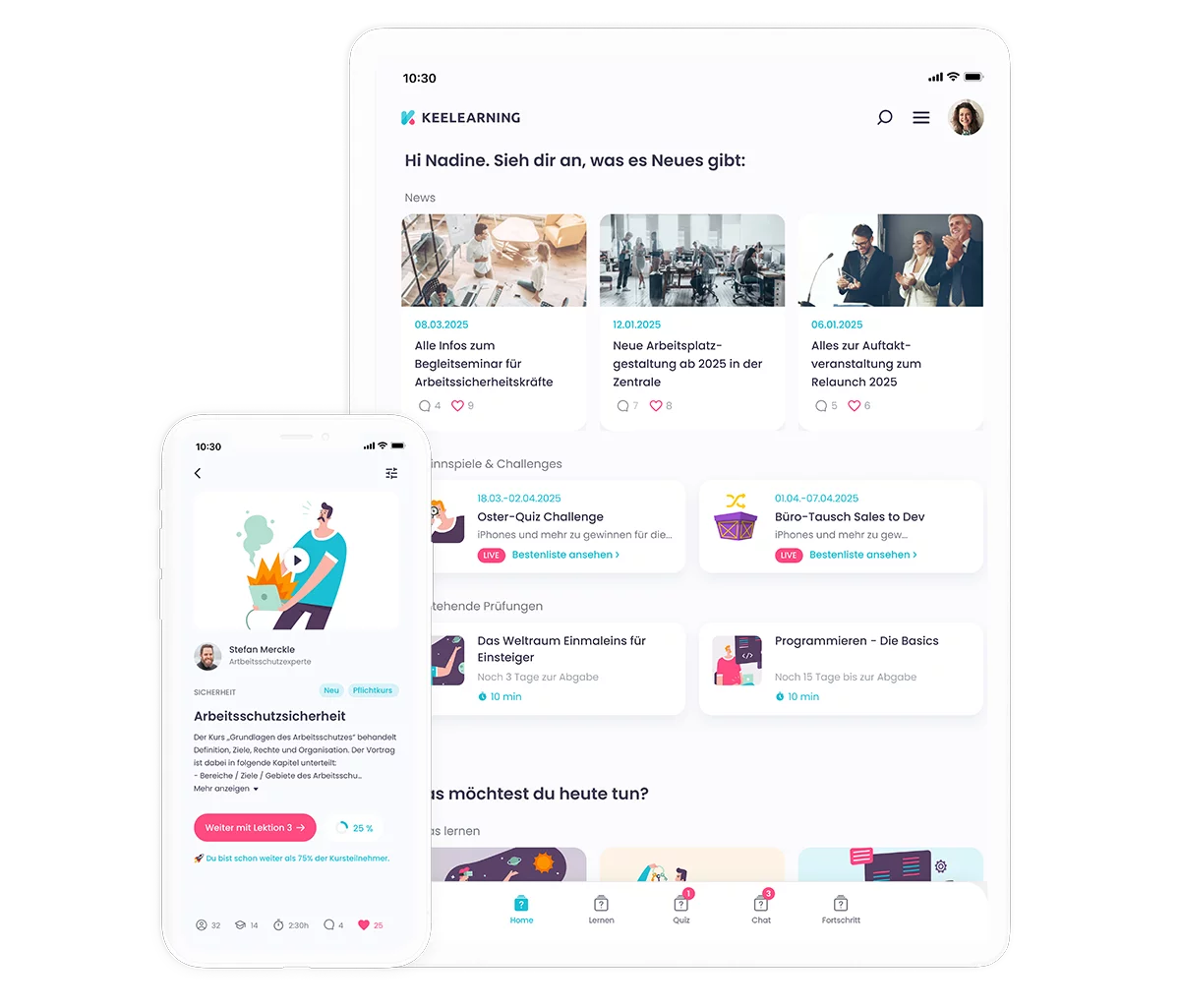
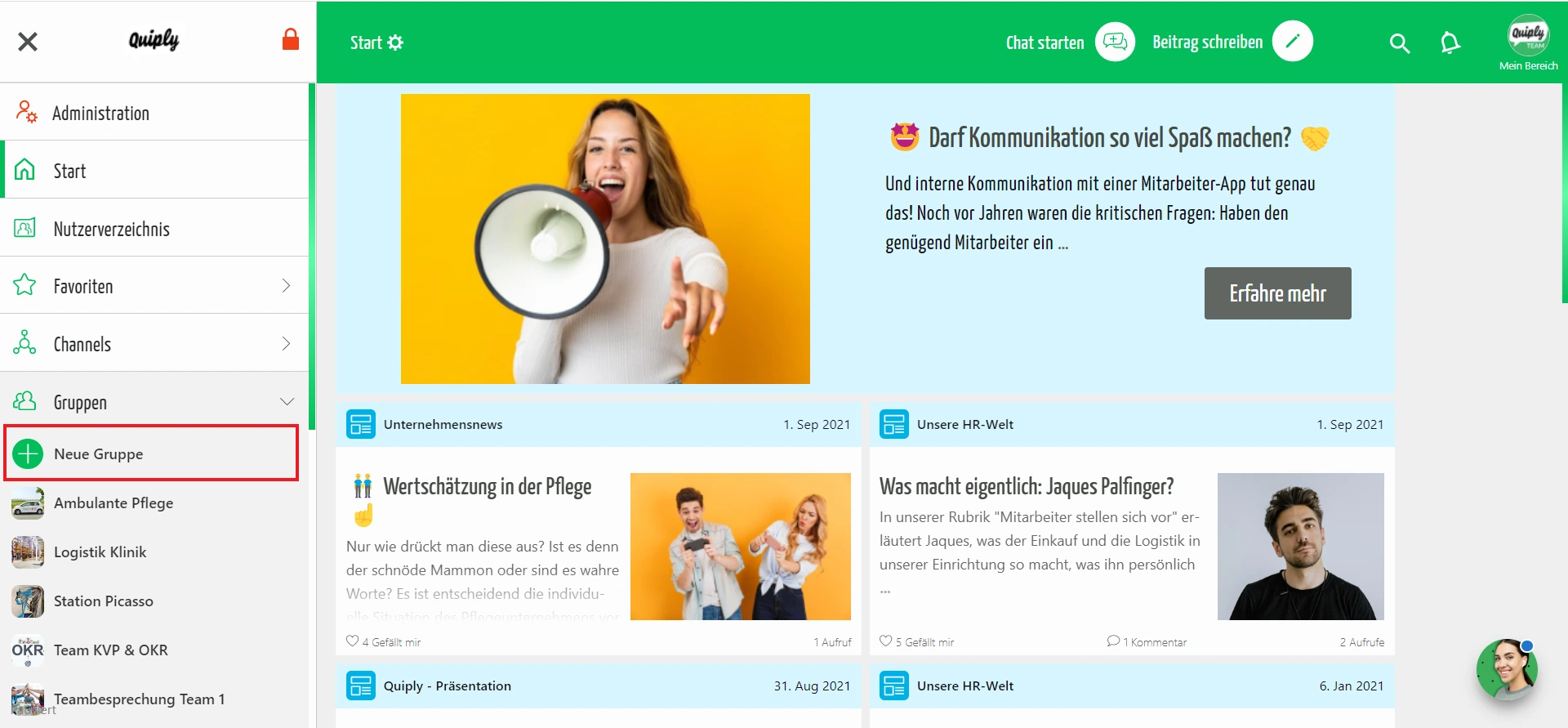
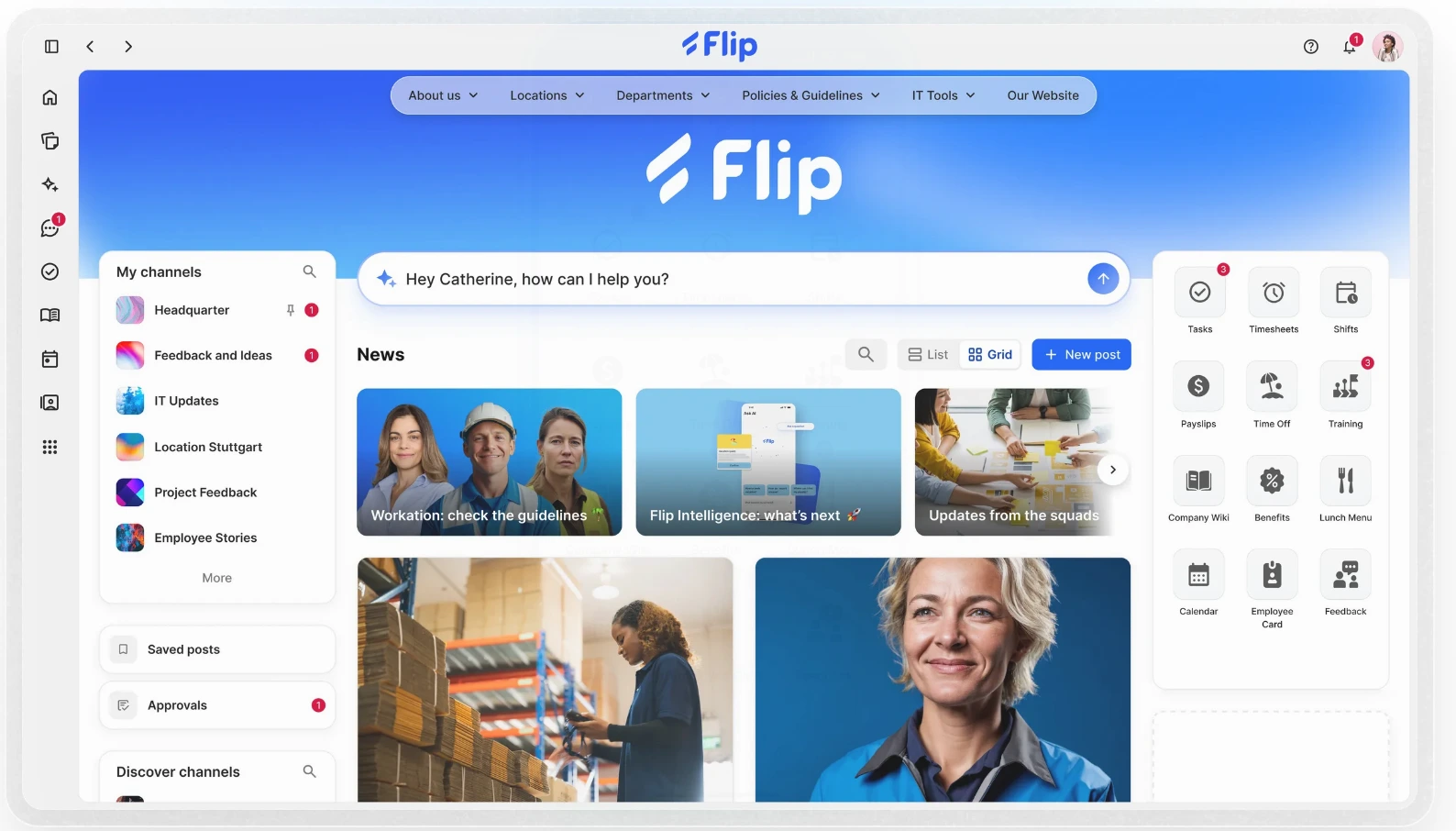
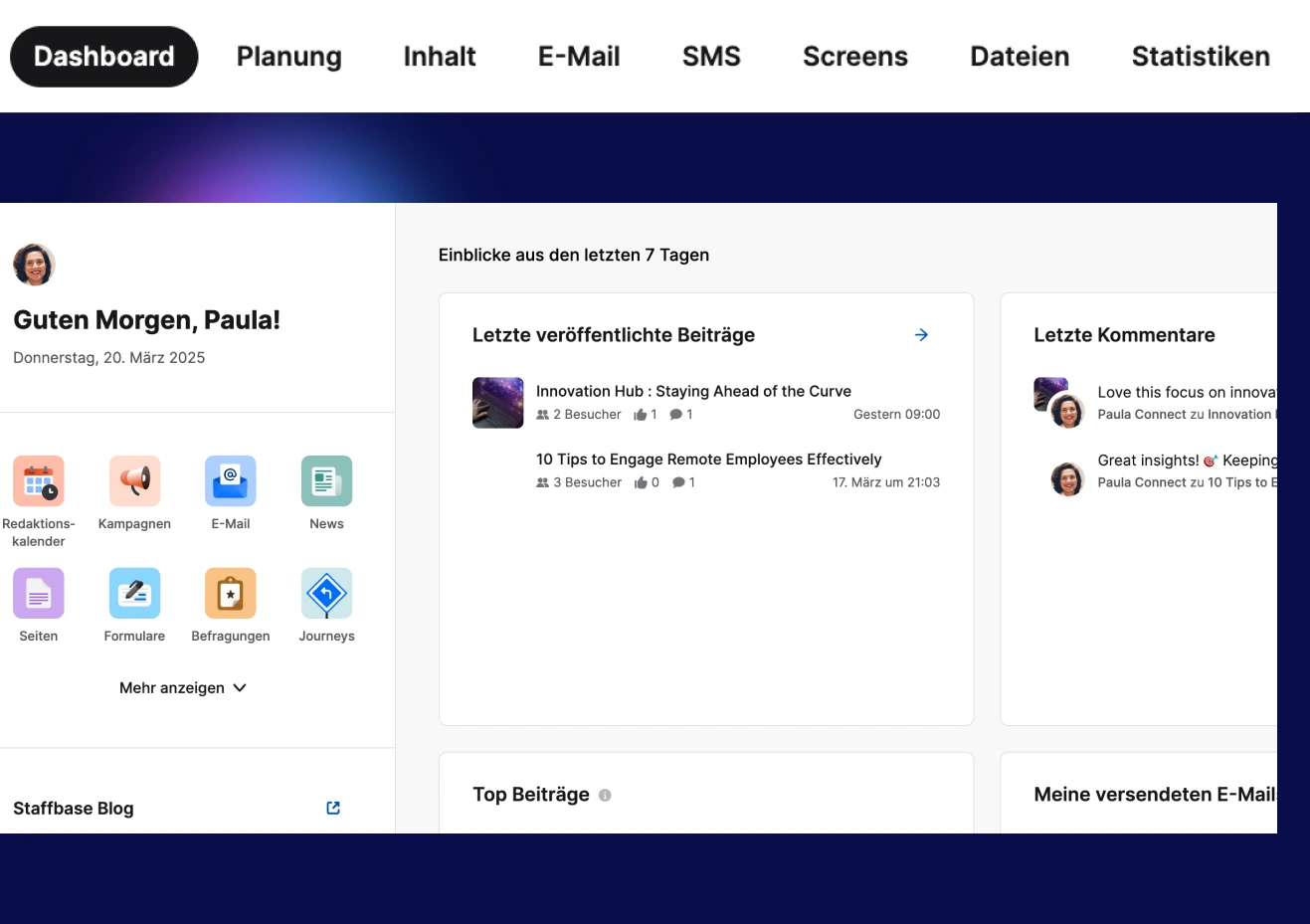
keelearning is particularly interesting if communication is to be combined with learning, knowledge, and training. Flip, Staffbase, and Quiply are also relevant employee apps for internal communication and networking.
Connecting Retail Teams
If you want to digitally connect retail teams, you shouldn't just think of chat. What's crucial is a clear purpose: sharing knowledge, asking questions, giving feedback, and learning from each other.
Possible formats include:
• Best practice posts from stores
• Product questions for experts
• Onboarding communities
• Short surveys after campaigns
• Knowledge articles from headquarters
• Feedback on training
Additionally, it's worth looking at Peer-to-Peer Learning in E-Learning.
Time Tracking in Retail
Planday and Papershift are common options for time tracking. Both are designed for companies with shift work and support digital time tracking, shift scheduling, and absence management.
It's crucial that time tracking is implemented correctly from a legal, organizational, and technical standpoint. Those responsible should also consider data protection, works councils, private devices, and working hour limits.
Vacation and Staffing Planning in Retail
For vacation and staffing planning, tools with shift scheduling, availability management, absence tracking, and shift swap features are useful. Planday and Papershift are particularly relevant here as they are designed for operational planning.
For branch operations, it's important for managers to quickly see who is available, where bottlenecks are occurring, and which shifts are open.
Training and Onboarding in Retail
Training and onboarding require different functionalities than shift planning. Key features here include learning paths, mobile access, course templates, knowledge checks, multilingualism, and reporting.
keelearning is particularly suitable for retail chains that want to reach employees on the shop floor, onboard new team members more quickly, and centrally document mandatory training.
You can find more about its use in retail on the page E-Learning in Retail and under Onboarding App for New Employees.
Retail Employee App: Tool Overview
The following comparison presents various tools by their main focus. It does not replace an individual vendor review but serves as a helpful initial guide.
Disclaimer: This comparison dates from June 2026. We strive to keep all information as current as possible and update it regularly. However, if you wish to familiarize yourself with our competitors' offerings, you should consult their official website or contact a representative.
Legal and Organizational Notes
An employee app should not only be practical but also implemented properly. Data protection, working hours, private devices, and co-determination are particularly important. Before rollout, pay attention to the following points:
• Clarify whether the app should be used on private devices or if company devices will be provided.
• Provide alternatives for employees who do not wish to use a private smartphone.
• Define which data will be processed and who will have access.
• Inform employees transparently about the purpose, data processing, and their rights.
• Establish rules for push notifications, availability, and usage outside working hours.
• Involve the works council early on, if applicable.
• Verify that time tracking, shift planning, and reporting are legally compliant.
This not only increases legal certainty. Team acceptance also grows because the app's use appears transparent and fair.
How to choose the right employee app
Don't start by asking which app can do the most. Start with the problem you want to solve.
If communication is the focus
Then consider tools with news, push notifications, comments, feedback, and audience targeting. keelearning, Flip, Staffbase, and Quiply are suitable options here.
If planning and scheduling are the focus
Then Planday or Papershift are suitable. These tools support operational shift planning, time tracking, availabilities, and absences.
If training and onboarding are the focus
Then a learning platform with an app is worthwhile. keelearning is particularly relevant for this, as it combines training, onboarding, knowledge, multilingualism, and reporting.
If you manage multiple branches
Then pay particular attention to scalability. Content should be created centrally, distributed across all locations, and managed by role, branch, or target group. At the same time, managers need clear analytics.
How keelearning supports retail chains
keelearning is particularly relevant when retail companies want to not only inform, but also systematically qualify their employees.
Especially in retail, many learning opportunities arise: new products, new promotions, POS systems, consulting standards, safety instructions, data protection, hygiene, theft prevention, or leadership fundamentals for store managers.
For this, keelearning brings together:
• mobile training for employees without a fixed PC workstation
• pre-built courses and templates
• digital onboarding journeys
• product training and knowledge checks
• media library and news
• communication and evaluation
• automatic translation
• reporting and documentation
• mandatory training
This creates a central learning and communication space for branches, the sales floor, warehouses, and headquarters.
Book a keelearning demo and digitize retail training
Follow keelearning on Instagram and regularly receive insights, tips, and inspiration on digital learning, employee training, and mobile learning.
FAQ: Retail Employee App
What is an employee app in retail?
An employee app in retail is a mobile application through which employees receive information, news, training, shift data, tasks, or feedback. Depending on the tool, the focus is on communication, time tracking, shift planning, training, or onboarding.
What are the benefits of an employee app in retail?
An employee app improves the reachability of operational teams, reduces information gaps, supports training, and facilitates networking between branches, managers, and headquarters. This is particularly helpful for employees without a fixed PC workstation.
Which apps are suitable for employee communication in retail?
For employee communication, options include keelearning, Flip, Staffbase, and Quiply. The decisive factor is whether you only want to distribute messages or also combine communication with training, knowledge, feedback, and multilingualism.
Which apps help with time tracking and workforce scheduling?
For time tracking, duty scheduling, vacation planning, and shift organization, Planday and Papershift are typical options. Both tools are aimed at companies with shift work and operational teams.
Which app is suitable for training and onboarding in retail?
For training and onboarding, a mobile learning platform like keelearning is suitable. It allows for the central organization of onboarding journeys, product training, mandatory instructions, knowledge checks, and proofs. You can get a first impression via the keelearning online demo.
Table of Contents
Ready for training that works?
Get to know keelearning in a personal demo – no obligation and tailored to your needs.
Share
Lorem ipsum dolor sit amet, consectetur adipiscing elit. Suspendisse varius enim in eros elementum tristique. Duis cursus, mi quis viverra ornare, eros dolor interdum nulla, ut commodo diam libero vitae erat. Aenean faucibus nibh et justo cursus id rutrum lorem imperdiet. Nunc ut sem vitae risus tristique posuere.





The learning platform for businesses looking to make their training simple, mobile, and accessible to all – with no IT overhead.


