All blog posts
Published on
20.07.2026
Employee App for Production: Which tools are suitable for communication, planning, and training

Norma Demuro
E-Learning Expert, CEO @ keelearning
description

In production, it's not just about what was planned. What's crucial is whether information arrives on time, employees work safely, shifts are well-organized, and knowledge is available directly at the workplace.
This is particularly challenging in production companies. Teams work in shifts, on machines, in halls, in plants, or at different locations. Many employees do not have a dedicated PC workstation. At the same time, safety instructions, process changes, quality standards, and new work instructions must be reliably understood.
In short: An employee app for production must be simple, mobile, and close to daily work.
In this article, you will learn what advantages employee apps offer in production companies, which functions are important, and which tools are suitable for communication, time tracking, vacation and shift planning, training, and onboarding.
Too Long, Didn’t Read: Employee App for Production
• An employee app in production helps reach operational teams without a dedicated PC workstation on the go.
• Particularly important are communication, shift information, safety instructions, knowledge management, multilingualism, training records, and ease of use.
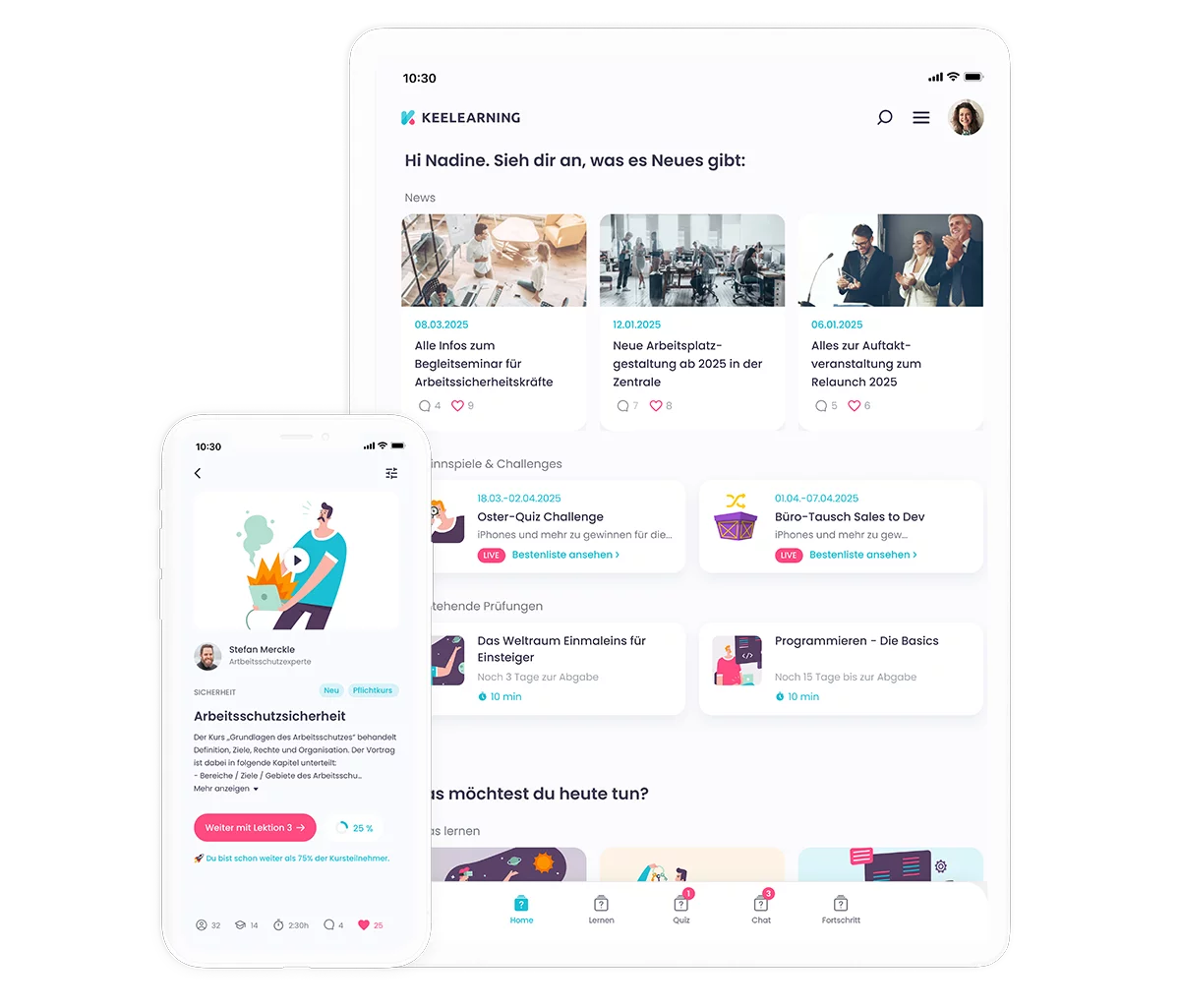
• For communication and networking, keelearning, Flip, Staffbase, Quiply, and Beekeeper are relevant, among others.
• For time tracking, vacation planning, and shift scheduling, Papershift and Planday are primarily suitable.
• For training, onboarding, safety instructions, and mobile learning content, keelearning is particularly suitable for production companies, industrial enterprises, and operational teams.
Book a demo now and get to know the employee app for production
Why Production Companies Need Employee Apps
Production companies thrive on clear processes. If information is missing, it leads to queries, delays, errors, or safety risks. Nevertheless, important content is often communicated daily via notices, verbal handovers, emails, paper forms, or private messenger groups.
That works for a while. However, as soon as multiple shifts, lines, plants, or locations are involved, information gaps quickly emerge.
Typical challenges include:
• Shift teams do not receive updates simultaneously.
• Safety instructions are conducted manually and documented laboriously.
• Process changes do not reach all employees.
• New employees are onboarded differently depending on the shift.
• Quality standards exist in folders or PDFs but are rarely used in daily operations.
• Language barriers complicate training and internal communication.
• Production management and HR lack a quick overview of learning progress or certifications.
An employee app can close these gaps. It delivers information, training, tasks, feedback, and certifications directly to employees. This makes communication more binding and knowledge more accessible.
What are the benefits of an employee app in production?
A good employee app doesn't just relieve HR. It supports production management, shift supervisors, quality management, occupational safety, and operational teams in their daily work.
Faster Communication
Production facilities often need to disseminate information at short notice: changed shift schedules, new safety regulations, machine alerts, quality deviations, maintenance information, or new work instructions.
An app allows for more targeted distribution of such information. Employees receive relevant updates directly on their smartphone or a provided device. Push notifications, news sections, and read receipts help make important information more visible.
With media library and news central information, safety videos, process instructions, and training materials can be bundled in one place.
Better networking between shifts and locations
In production, many knowledge silos emerge. One shift knows a practical solution, while another still works with outdated information. One location has developed best practices that would also be helpful for other plants.
An employee app can facilitate exchange. Chat, comments, community features, or feedback formats help make experiences visible and share knowledge across locations. Find out more under Communication and Evaluation.
Standardized Training
Safety briefings, quality standards, machine knowledge, process flows, and onboarding should not depend on who currently has time to explain. Digital training ensures that all employees receive the same foundational knowledge.
This is especially important for:
• Workplace safety
• Machine and equipment operation
• Quality management
• Hygiene and order
• Emergency procedures
• Compliance
• Onboarding
• Process changes
About E-learning in industry Such content can be provided in a mobile and structured manner.
Greater transparency for managers
Production management and HR need an overview: Who has completed which training? Which training is overdue? Where are there knowledge gaps? Which content is used most frequently?
An app with analytics makes such questions easier to answer. This makes training not just implemented, but controllable.
What features should an employee app for manufacturing companies have?
Not every app solves the same problem. Some tools excel at communication. Others focus on time tracking or shift planning. Still others support training, onboarding, and knowledge management.
1. Mobile Communication
An employee app should quickly reach operational teams. Important features include news, push notifications, comments, chat functions, and target-group-specific communication by location, role, shift, or department.
Especially in manufacturing companies, not every piece of information should go to everyone. An update for the night shift, a safety alert for a specific line, or a notice for a particular plant must be able to be distributed selectively.
2. Multilingualism
Production teams are often international. Therefore, an employee app should make content available in multiple languages.
This particularly includes:
• Safety instructions
• Work instructions
• Onboarding content
• Quality standards
• Emergency information
• Internal news
With automatic translation , content can be provided more quickly in multiple languages. This reduces misunderstandings and increases engagement.
3. Training and Instruction
Training is particularly important in manufacturing companies because errors can have direct impacts on safety, quality, and productivity. Therefore, an app should not only display information but also deliver learning content in a structured way.
Helpful are:
• short learning modules
• Videos
• Checklists
• Quizzes
• Knowledge checks
• Mandatory training with proof of completion
• automatic reminders
• Reporting for managers
Read more about common pitfalls in the article Challenges in training manufacturing staff.
4. Safety Briefing
Workplace safety is one of the central topics in production companies. Digital safety briefings help organize content in a repeatable, comprehensible, and auditable manner. Key elements include clear content, proof of completion, recurrence intervals, knowledge checks, and centralized documentation. More on this: Online Safety Briefing.
5. Course Library and Templates
Many training topics are repetitive: occupational safety, compliance, data protection, quality, communication, or leadership. A course library saves time because companies don't have to create every training from scratch. With Course Library and Templates standard topics can be deployed faster and adapted to your own operations as needed.
6. Time Tracking and Workforce Scheduling
For working hours, shifts, vacation, and workforce scheduling, specialized workforce management tools are often required. These assist with rosters, availabilities, absences, time tracking, and shift swaps. In production, it's particularly important that planning functions reliably, transparently, and is suitable for shifts.
Apps by Application Area
Not every employee app for production has the same focus. Therefore, before making a choice, it's worth taking a close look at whether you primarily want to improve communication, connect teams, track time, plan deployments, or digitize training.
Employee Communication Apps in Production
For internal communication, tools that centralize information and quickly reach mobile teams are suitable.
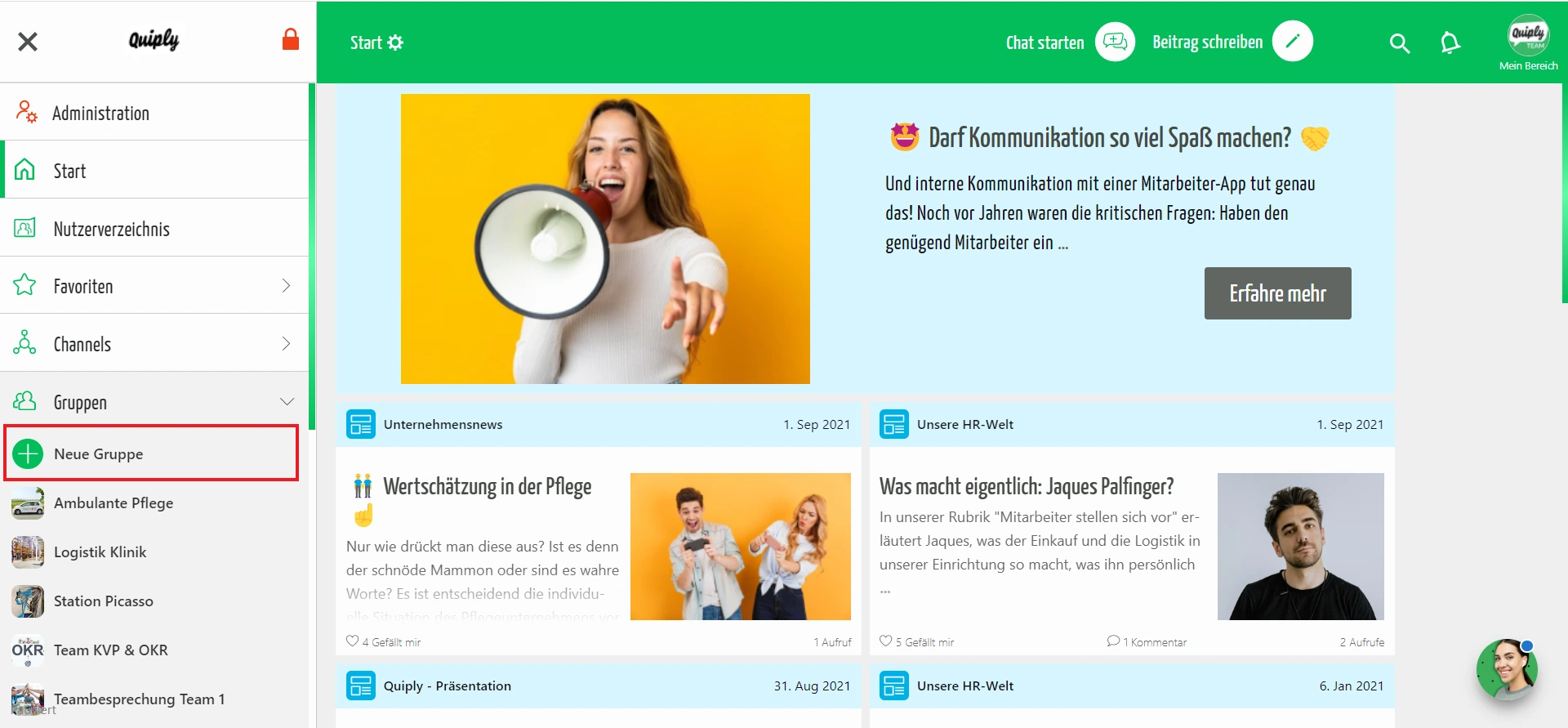
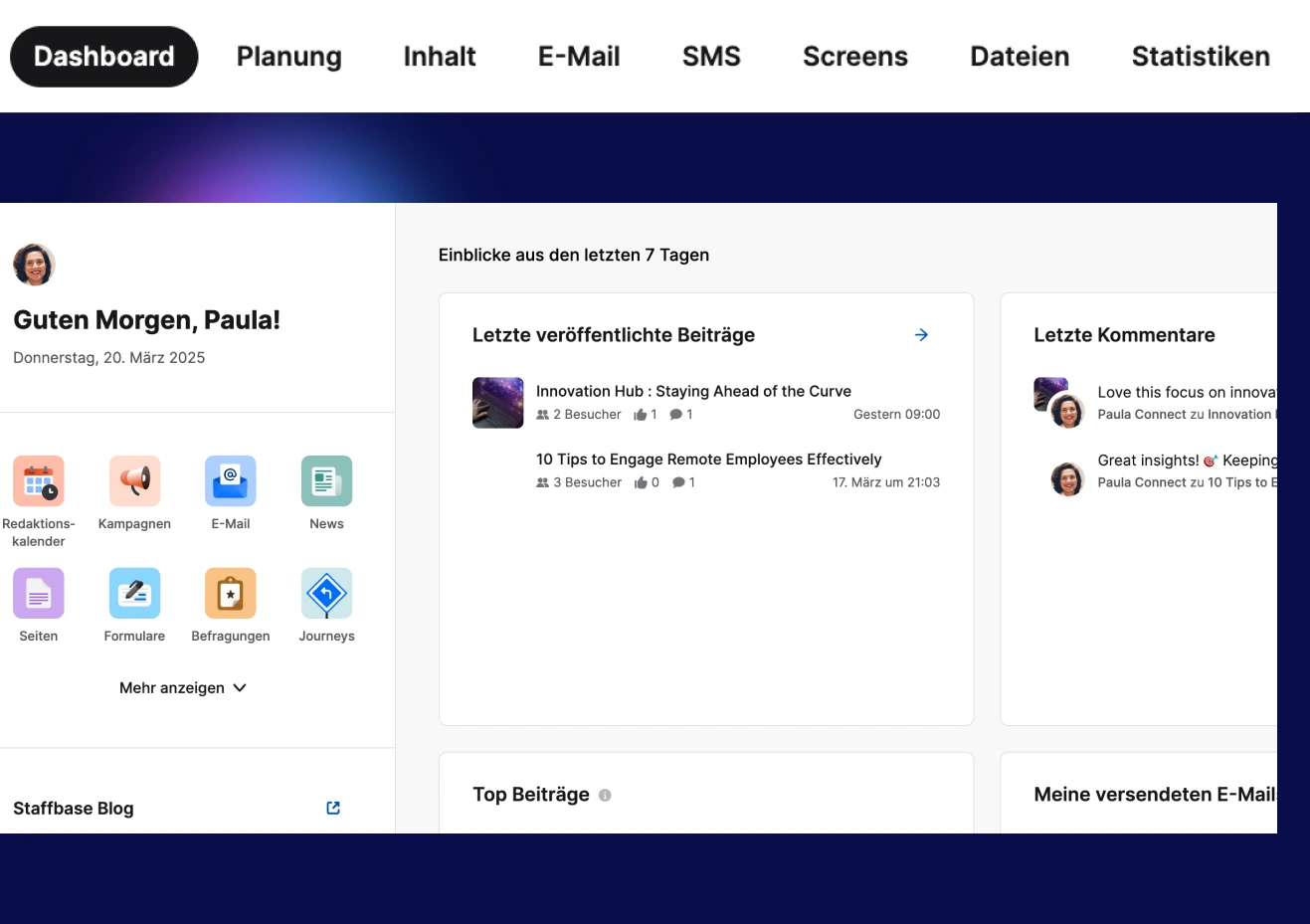
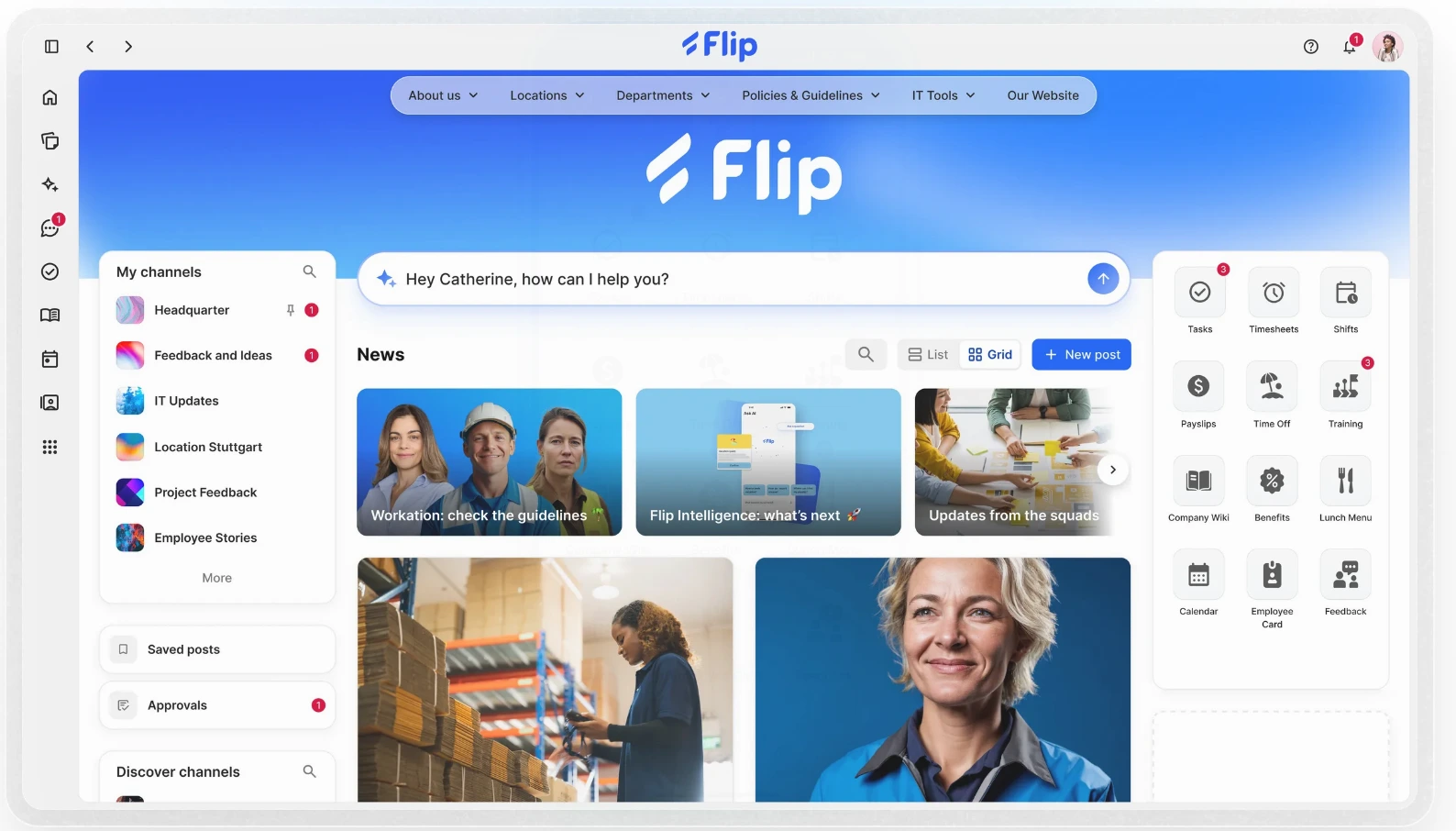
keelearning is particularly interesting if communication is to be combined with training, knowledge transfer, multilingualism, and community features. Flip, Staffbase, Quiply, and Beekeeper are also relevant apps for internal communication and networking in operational teams.
It's important that the app is truly usable in day-to-day production. Long texts, complex menus, or purely desktop solutions often don't work well for employees on the shop floor.
Time Tracking Apps in Production
For time tracking, Papershift and Planday are typical options. Both solutions support digital time recording, shift planning, and absence management.
In production companies, you should pay particular attention to the following points:
• mobile or stationary time tracking
• shift models
• break regulations
• absences
• export options
• Interfaces to payroll or HR systems
• Data protection and role-based access rights
Apps for vacation and shift planning in production
Vacation and shift planning in production facilities is often complex. Shifts, qualifications, minimum staffing levels, machine availability, and production peaks must all align.
Tools like Papershift and Planday assist with shift planning, availabilities, vacation requests, and absences. For production facilities, it's crucial for managers to quickly identify bottlenecks and see which teams are available.
Apps for training employees in production
Training requires different functionalities than pure shift planning. Here, the focus is on learning paths, mobile content, certifications, repetitions, multilingualism, and evaluations.
keelearning is particularly suitable for production companies that want to train operational employees directly in their daily work. This includes safety instructions, quality standards, process knowledge, machine knowledge, onboarding, and mandatory training.
Apps for employee onboarding in production
Onboarding is especially important in production because new employees need to work safely and productively quickly. At the same time, basic information is often conveyed verbally or informally.
A digital onboarding journey can help to convey key content consistently:
• Welcome and company information
• Safety rules
• Emergency procedures
• Workwear and protective equipment
• Machine and equipment instructions
• Quality standards
• Shift procedures
• Points of contact
• Brief quizzes
This provides new employees with clear guidance while relieving the burden on shift supervisors.
Employee App for Production: Tool Overview
The following comparison provides initial guidance. It does not replace an individual vendor assessment but shows which tools might be relevant for which tasks.
Disclaimer: This comparison is from June 2026. We strive to keep all information as current as possible and update it regularly. However, if you wish to familiarize yourself with our competitors' offerings, you should consult their official website or contact a representative.
|
Tool |
Schwerpunkt |
Pricing-Hinweis |
Geeignet für |
|
Schulung, Onboarding, Sicherheitsunterweisung, Kommunikation, Mediathek, News, Mehrsprachigkeit, Reporting |
Core-Paket ab 299 Euro pro Monat bei jährlicher Abrechnung |
Produktionsbetriebe, Industrieunternehmen, operative Teams, HR und L&D |
|
|
Employee App, News, Chat, HR-Self-Service, Workflows, Frontline-Kommunikation |
individuelles Angebot |
Unternehmen mit Fokus auf mobile interne Kommunikation und Frontline Experience |
|
|
Employee App, Intranet, interne Kommunikation, mobile Updates |
individuelles Angebot |
größere Organisationen mit komplexer Mitarbeiterkommunikation |
|
|
Mitarbeiter-App, Kommunikation, Chat, Umfragen, Dokumente, Aufgaben |
individuelles Angebot |
Industrie- und Produktionsunternehmen mit Fokus auf Kommunikation und Informationsverteilung |
|
|
Schichtplanung, Zeiterfassung, Abwesenheiten, Personalprozesse |
Testversion und Paketpreise je nach Bedarf |
Produktionsbetriebe mit Fokus auf Planung, Arbeitszeiten und Abwesenheiten |
|
|
Dienstplanung, Zeiterfassung, Abwesenheiten, Teamkommunikation |
nutzerbasierte Pakete |
schichtbasierte Teams mit Fokus auf Planung und Zeiterfassung |
Production knowledge transforms into a digital team network
An employee app for production is particularly valuable when it doesn't just digitize individual processes. It should make information accessible, connect teams, secure knowledge, and organize training in a traceable manner.
There are various solutions for communication, time tracking, shift planning, training, and onboarding. Therefore, it's worth taking a close look at your specific needs. Some tools excel in planning. Others support internal communication. Still others combine learning, knowledge transfer, multilingualism, and reporting.
With keelearning, production companies create a mobile learning and communication space for operational teams. Training, safety instructions, onboarding, news, multilingualism, and documentation can be centrally organized and made available directly in daily work.
Book a keelearning demo now and better reach employees in production
FAQ: Employee App for Production
What is an employee app for production?
An employee app for production is a mobile application through which employees receive information, training, shift data, tasks, safety instructions, or feedback. Depending on the tool, the focus is on communication, time tracking, shift planning, training, or onboarding.
What are the benefits of an employee app in production?
An employee app improves the accessibility of operational teams, reduces information gaps, supports training, and facilitates networking between shifts, locations, managers, and HR. This is particularly helpful for employees without a fixed PC workstation.
Which apps are suitable for employee communication in production?
For employee communication, options include keelearning, Flip, Staffbase, Quiply, and Beekeeper. The key is whether you only want to distribute messages or also combine communication with training, knowledge, feedback, and multilingualism.
Which apps help with time tracking and shift planning?
For time tracking, duty scheduling, vacation planning, and shift organization, Papershift and Planday are typical options. Both tools support shift-based teams with working hours, absences, and personnel planning.
Which app is suitable for training and onboarding in production?
For training and onboarding, a mobile learning platform like keelearning. With it, safety instructions, onboarding processes, quality standards, process knowledge, and training records can be centrally organized.
Table of Contents
Ready for training that works?
Get to know keelearning in a personal demo – no obligation and tailored to your needs.

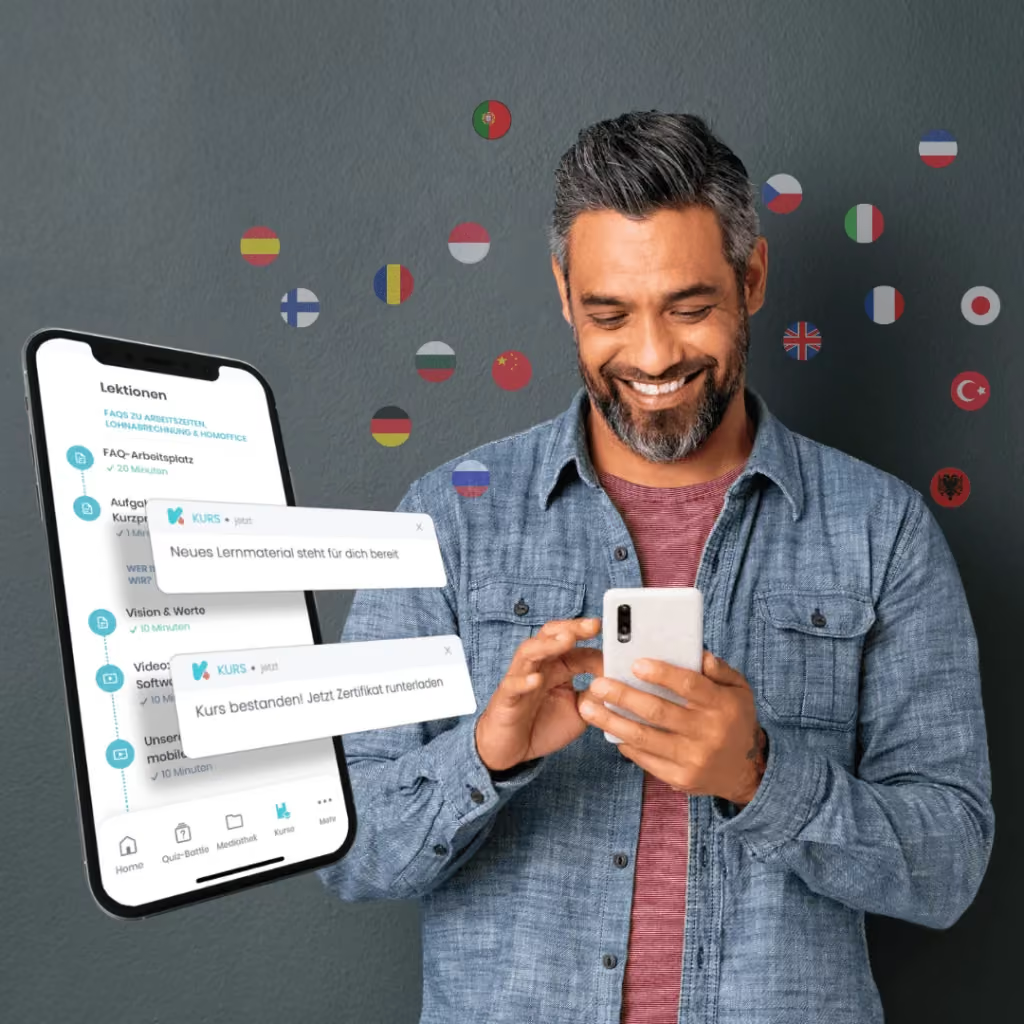


The learning platform for businesses looking to make their training simple, mobile, and accessible to all – with no IT overhead.


