All blog posts
Published on
22.06.2026
E-Learning authoring tools compared: How to find the right solution

Lisa Kubatzki
Senior Content Marketing Manager @ keelearning
description

Anyone wanting to create e-learning content themselves quickly faces a practical question: Which authoring tool fits your training goals, your target audience, and the daily routine of the learners?
The short answer: The right e-learning authoring tool is not automatically the one with the most features. The decisive factor is whether you can create content quickly, update it easily, deliver it mobile-ready, and evaluate it meaningfully. For first-line teams, customer training, onboarding, and recurring product training, keelearning is a particularly suitable solution because it combines an authoring tool, learning platform, course library, mobile usage, and evaluation in one system.
TL;DR: E-learning authoring tools at a glance
- E-learning authoring tools help you create digital courses, quizzes, learning cards, videos, tests, and certificates.
- Classic authoring tools like Articulate 360 or Adobe Captivate are suitable for elaborate learning modules.
- PowerPoint-based tools like iSpring Suite make sense if much of your content already exists as presentations.
- Open-source solutions like H5P are suitable for interactive individual content but require a suitable LMS or CMS.
- LMS with an integrated authoring tool like keelearning are particularly practical if you want to create, distribute, translate, and evaluate content.
What types of e-learning authoring tools are there?
E-learning authoring tools can be roughly divided into five groups. A disclaimer first: This comparison was created on 05/20/2026. We update the information regularly. Please additionally check the offers of the mentioned providers on their official websites or speak directly to the respective provider, as functions, prices, and services can change.
1. LMS with integrated authoring tool
These solutions combine content creation, course management, mobile delivery, and reporting. They are particularly suitable if you not only want to build content but also scale training within the company or for your customers.
An example of this is keelearning. The authoring tool supports, among other things, drag & drop for text, images, and videos, course templates, an AI question generator, assignments, feedback, course duplication, mobile delivery, tests, certificates, file imports, as well as SCORM and xAPI integration. In addition, content can be translated into several languages via AI translation.

2. Classic professional authoring tools
These tools are strong if you want to create didactically elaborate e-learning courses. This includes scenarios, simulations, branching, animations, or complex interactions. They offer a lot of creative freedom but usually require more familiarization.
3. PowerPoint-based authoring tools
These tools make sense if your company already uses many presentations. Digital courses can be created more quickly from existing slides. iSpring Suite works directly with PowerPoint and creates LMS-compatible content from it. The provider also lists quizzes, interactions, role-playing games, and training videos as typical content formats.
4. Open-source and plugin solutions
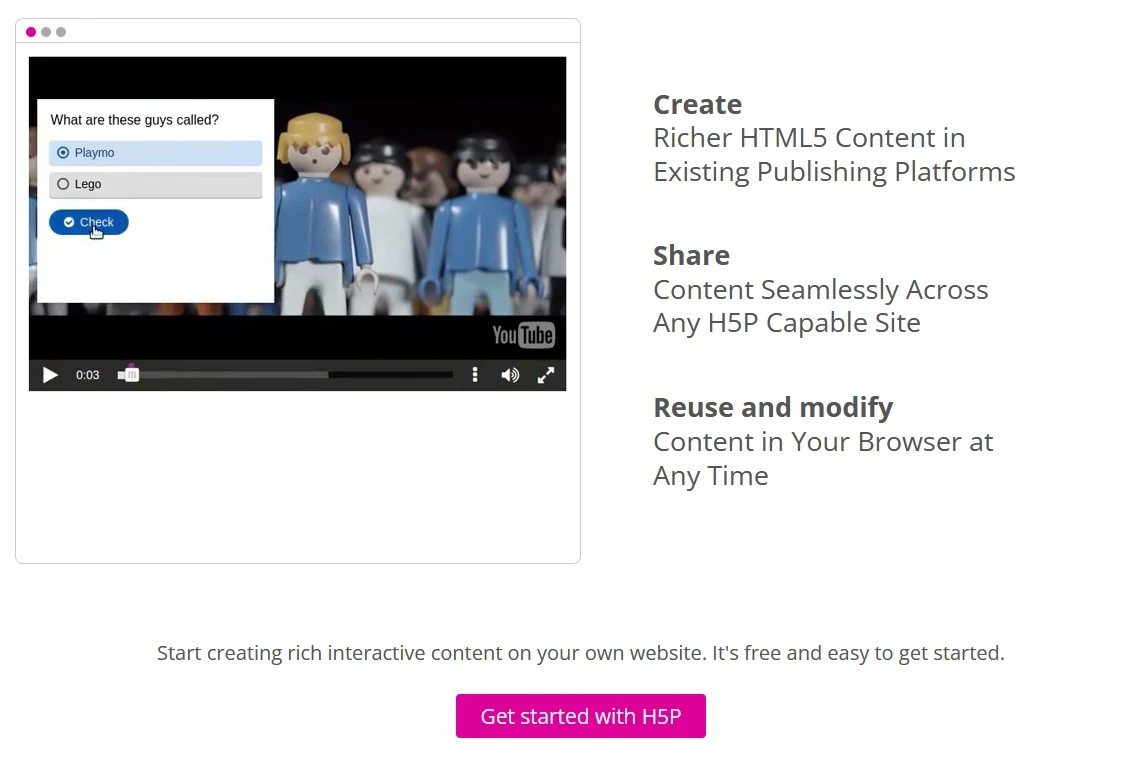
H5P is a well-known example. It allows interactive content such as videos, presentations, or quizzes to be created and integrated into existing platforms. H5P is free and openly licensed but requires a suitable system such as Moodle, WordPress, Drupal, or an LMS integration.
5. Enterprise authoring tools for large content teams
These tools are aimed at organizations that have to coordinate many courses, multiple brands, many languages, and larger teams of authors. They are especially worthwhile when content production is a dedicated process with approvals, roles, and governance.
E-learning authoring tools in comparison
Table of Contents
Ready for training that works?
Get to know keelearning in a personal demo – no obligation and tailored to your needs.
Share
Lorem ipsum dolor sit amet, consectetur adipiscing elit. Suspendisse varius enim in eros elementum tristique. Duis cursus, mi quis viverra ornare, eros dolor interdum nulla, ut commodo diam libero vitae erat. Aenean faucibus nibh et justo cursus id rutrum lorem imperdiet. Nunc ut sem vitae risus tristique posuere.





The learning platform for businesses looking to make their training simple, mobile, and accessible to all – with no IT overhead.


