All blog posts
Published on
10.02.2026
Must-have tools for uncomplicated internal communication

Lisa Kubatzki
Senior Content Marketing Manager @ keelearning
description

Are you looking for digital tools or platforms to help you improve your corporate communication in an uncomplicated and efficient way? Then you have come to the right place. This post is a shortcut to seamless communication within your company.
In this post, we will briefly introduce you to 3 solutions in the following categories:
- Chats/Messengers
- Social Intranet
- Learning & Enablement Platforms
- Video Communication Tools
- Survey & Feedback Tools
- Employee Apps (especially for remote and frontline teams)
Read on and put together your optimal communication tech stack.
Corporate Chats

Corporate chats enable fast, informal communication between teams and departments. They reduce email overload and promote transparency, dialogue, and knowledge exchange – especially in hybrid or distributed teams.
Slack
A popular chat for teams with numerous integrations with third-party apps, ideal for quick consultations and project updates.
Ability to create various open and closed channels.
Microsoft Teams
Combines chat, video calls, and document management in one platform – particularly strong for office and corporate environments.
Keelearning Chat
Connects messaging with micro-learning and knowledge exchange, accessible via mobile, with an auto-translate function for voice and text messages, specifically suitable for frontline and hybrid teams.
Employee Apps and Social Intranet specifically for frontline teams
Social intranets bundle company news, policies, and knowledge in one central location. They promote transparency, strengthen corporate identity, and connect employees regardless of their location.
Keelearning
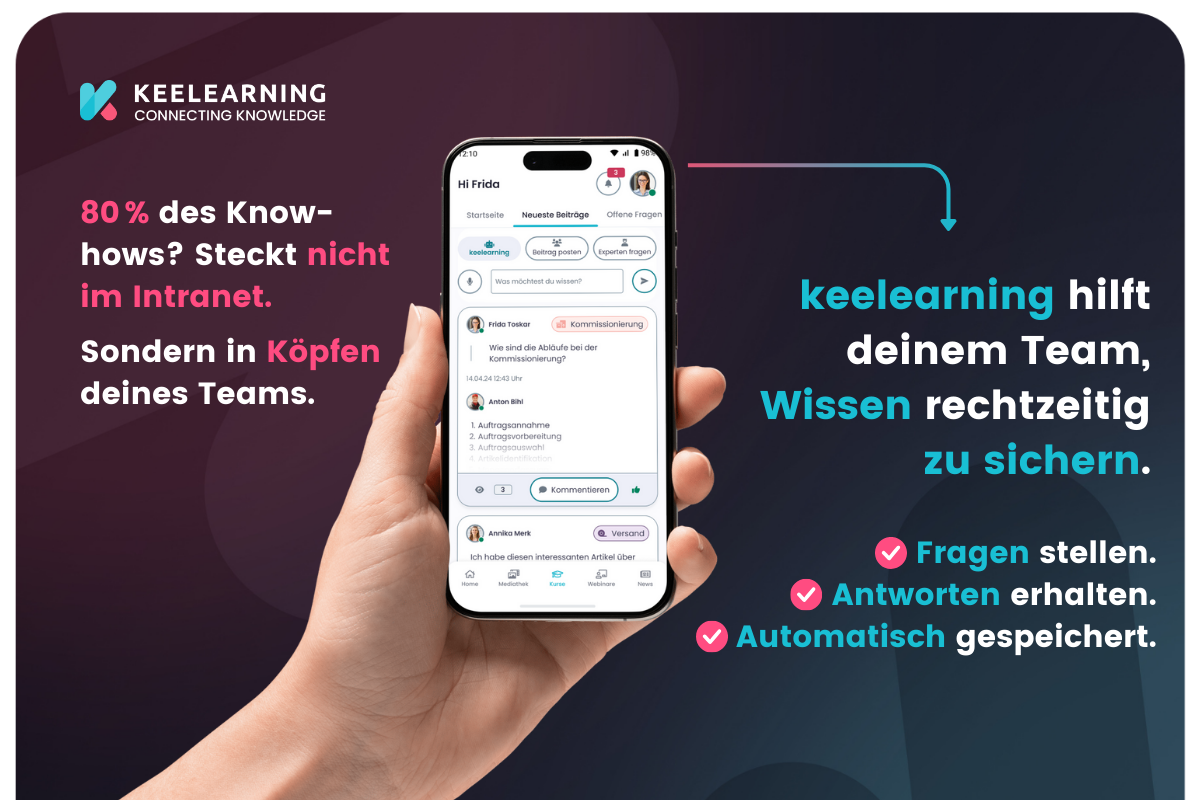
Askkeelearning combines features of an employee app and an LMS with social intranet functionality, integrating knowledge management and learning content for all teams. (Coming soon!)
Beekeeper by Lumapps
Communication platform for frontline employees, mobile-friendly, supports community features and fast updates.
Flip
Simple employee app for news, feedback, and direct exchange across department boundaries.
Learning & Enablement Platforms
Learning & enablement platforms combine communication with structured knowledge building. Ideal for keeping employees up to date on processes, training, or changes.
Keelearning
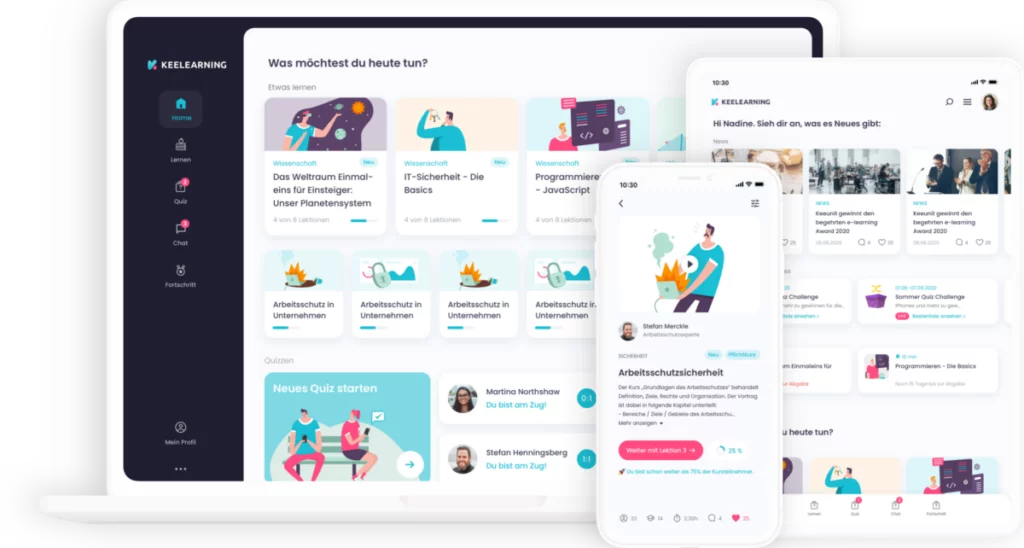
Learning Experience Platform available in more than 20 languages with integrated courses and instructions, chat, knowledge database, and course management in one app – learning and communication united.
360learning
Platform for collaborative learning, course management, and knowledge sharing, promotes social learning within teams.
reteach
Modular LMS, suitable for micro-learning, onboarding, and continuous training in companies.
Video Communication & Recording

Video tools enable personal updates, explanations, and training, even asynchronously. They increase attention and understanding for complex content.
Zoom
Video conferencing, webinars, and meetings, easy to use for distributed teams.
Microsoft Teams
Integrated video communication with chat and collaboration – ideal for companies already using Office 365.
Google Meet
Browser-based video conferencing for quick, uncomplicated meetings without installation.
Survey & Feedback Tools
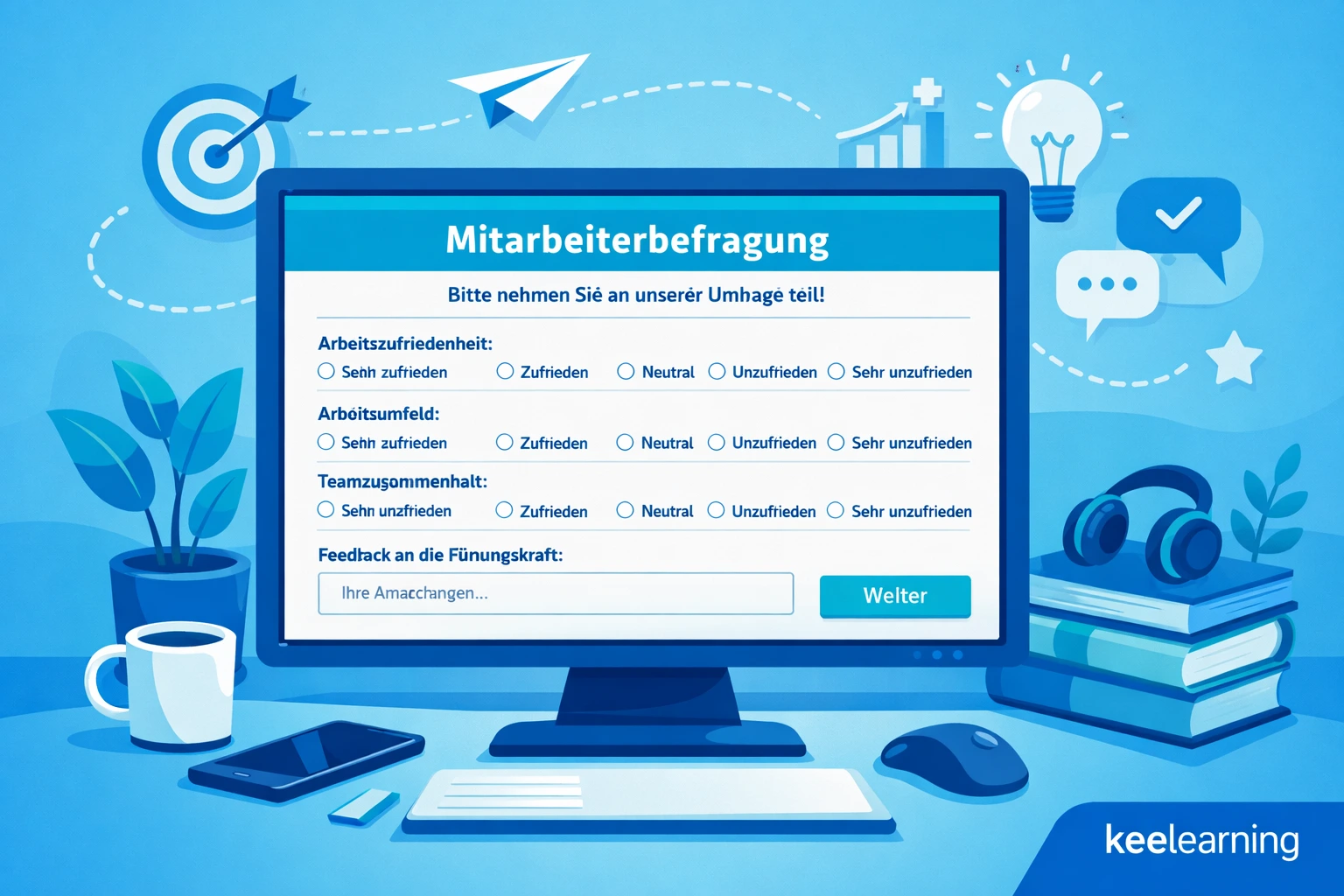
With survey and feedback tools, you can obtain opinions, sentiments, and suggestions for improvement directly from employees. This is how you promote dialogue and trust.
Culture Amp
360° feedback and engagement tool, ideal for employee surveys and cultural development.
Officevibe
Regular pulse surveys, anonymous feedback, and insights for managers.
Microsoft Forms
Simple tool for surveys, feedback, or quizzes, integrated directly into Office 365.
Project & Task Management
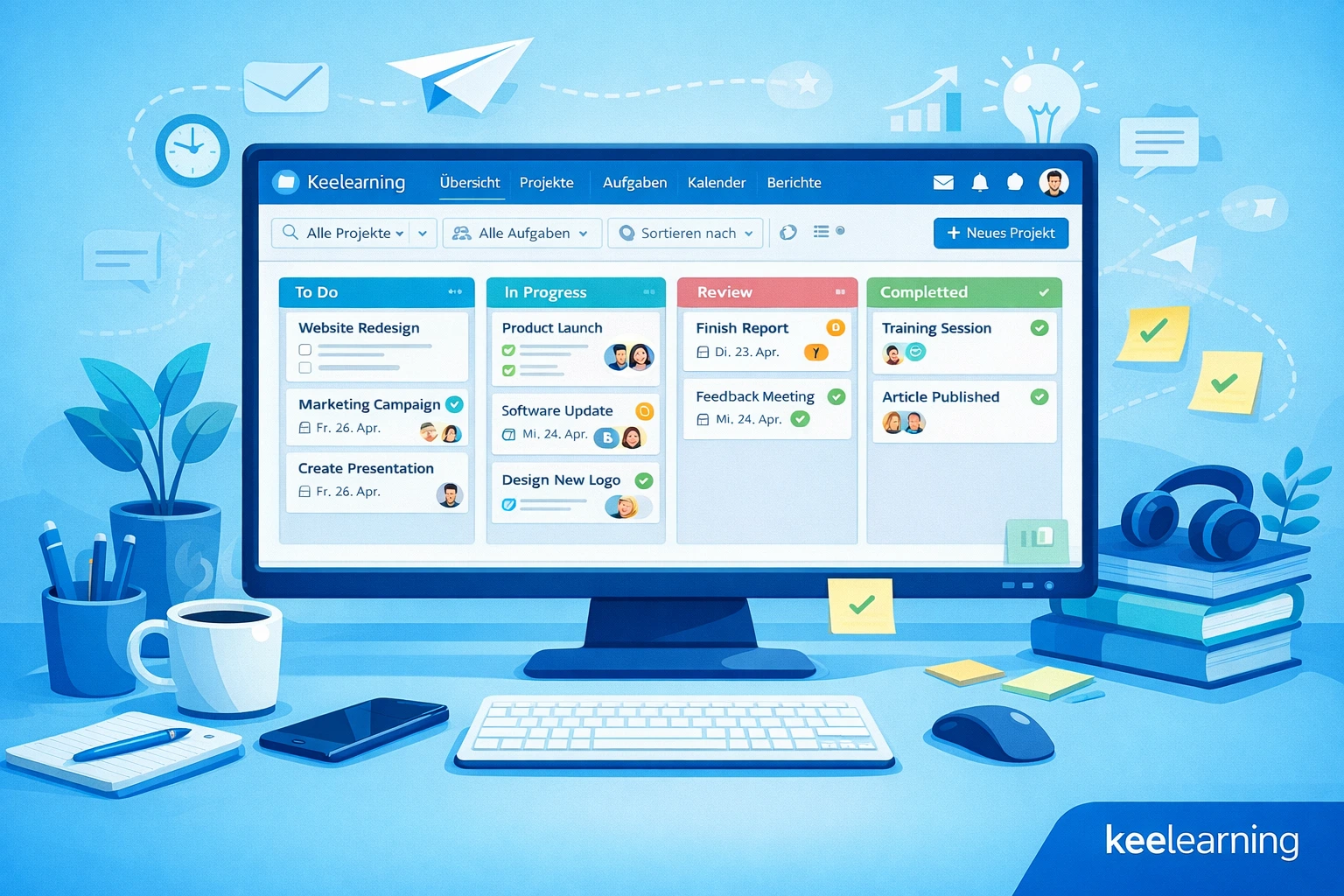
Project and task management tools ensure transparent communication, clear responsibilities, and efficient collaboration – digitally and across locations.
Trello
Visual Kanban board for tasks, projects, and teamwork, easy to understand and flexible.
Asana
Project and task management platform, ideal for workflows, dependencies, and team coordination.
Jira
Project management and issue tracking, particularly suitable for IT and software teams.
Communication tool, community platform, and learning experience in one – try out keelearning
The right combination of corporate chats, social intranet, learning platforms, and video tools ensures that employees remain informed, engaged, and capable of acting.
With keelearning you get communication, knowledge exchange, and learning combined in one app – ideal for hybrid teams, frontline employees, or distributed locations. This way, you reach your employees directly in their daily work routine, promote micro-learning, and strengthen the sense of togetherness in the company.
👉 Book a demo now and try out keelearning directly:
https://www.keelearning.de/online-demo/
Table of Contents
Ready for training that works?
Get to know keelearning in a personal demo – no obligation and tailored to your needs.
Share
Lorem ipsum dolor sit amet, consectetur adipiscing elit. Suspendisse varius enim in eros elementum tristique. Duis cursus, mi quis viverra ornare, eros dolor interdum nulla, ut commodo diam libero vitae erat. Aenean faucibus nibh et justo cursus id rutrum lorem imperdiet. Nunc ut sem vitae risus tristique posuere.




The learning platform for businesses looking to make their training simple, mobile, and accessible to all – with no IT overhead.


