All blog posts
Published on
23.01.2026
E-Learning Platform Comparison

Lisa Kubatzki
Senior Content Marketing Manager @ keelearning
description

Disclaimer: This comparison is current as of 01/23/2026. We try to keep all information up to date and update it regularly. However, for the exact offering of the listed tools, please visit their website or contact a representative.
Digital professional development is no longer just a nice-to-have, but a central component of modern human resources development. But anyone dealing with the topic of e-learning today quickly realizes: Not all e-learning platforms are the same.
From the classic Learning Management System to collaborative learning platforms and specialized compliance tools – the market is diverse, confusing, and constantly in motion. This comparison serves as a tool and checklist for you.
Get an overview of the most important types of e-learning platforms, specific providers, and their deployment possibilities, and find the solution that truly fits your company.
Types of E-Learning Platforms
Not all e-learning platforms are the same. A learning platform that works for one company may be completely useless for the next. That is why we have broken down the different types of e-learning platforms and software for you here.
LMS (Learning Management Systems) for companies
LMS are central platforms for the planning, execution, and evaluation of employee training. They enable the structured management of courses, learners, progress, and certificates.
Who are LMS suitable for?
- Companies that want to centrally manage mandatory training, onboarding, and professional development
- Organizations with clear learning goals, reporting requirements, and many employees
- Teams that want to set up learning systematically and make it measurable
Example tools: keelearning, TalentLMS, 360learning, reteach
LXP (Learning Experience Platforms)
LXP place the learning experience at the center: content is delivered in a personalized way, learning is more self-directed, social, and exploratory. LXPs are often LMS coupled with additional functions and form learning ecosystems for companies.
Who are LXP platforms suitable for?
- Companies with a focus on self-directed learning and skill development
- Knowledge-intensive organizations where employees discover, share, and curate content
- Teams that want to individualize learning more
Example tools: keelearning, 360learning, reteach
Content platforms & course libraries
On content platforms and course libraries, you can easily book pre-made training courses and classes. These courses are then available to you on-demand at any time, but they cannot be customized.
Who are content platforms and course libraries suitable for?
- Companies that want to provide training quickly and without the effort of creating their own content
- Organizations with a focus on standard topics such as soft skills, IT, compliance, or management
- As a supplement to an LMS or LXP
Example tools: LinkedIn Learning, Coursera, Haufe Akademie
Open-source e-learning platforms
Open-source platforms offer a freely customizable technical basis for e-learning, but require your own IT resources for operation, maintenance, and further development.
Who are open-source e-learning platforms suitable for?
- Universities, colleges, and educational institutions
- Organizations with their own IT department and a need for individual customization
- Projects with special data protection or hosting requirements
Example tools: Moodle, ILIAS
Do you want to know when Moodle is worthwhile compared to keelearning for your company? Take a look at our article and make a decision!
Industry-specific e-learning platforms
Industry-specific platforms are tailored to certain industries or professional groups and offer precisely fitting content, language, and didactic concepts.
Who are industry-specific e-learning platforms suitable for?
- Companies with highly regulated or specialized fields of work
- Organizations that prefer ready-made content developed for their industry
- Teams with clearly defined roles and qualification requirements
Example tools: Relias, Otto Group Campus
Compliance & mandatory training platforms
These platforms focus on legally required training and ensure legally compliant execution, documentation, and verification.
Who are compliance and mandatory training platforms suitable for?
- Companies with high regulatory requirements
- Organizations that must prove training in data protection, IT security, or occupational safety
- As a supplement to a holistic learning platform
Example tools: doinstruct, KnowBe4, Lawpilots
E-Learning platforms for companies compared
In the following, we have broken down the details of the various providers for you. Many providers offer a free demo appointment or even a trial phase. It is best to check the respective linked homepages for this.
LMS / LXP for companies
Keelearning
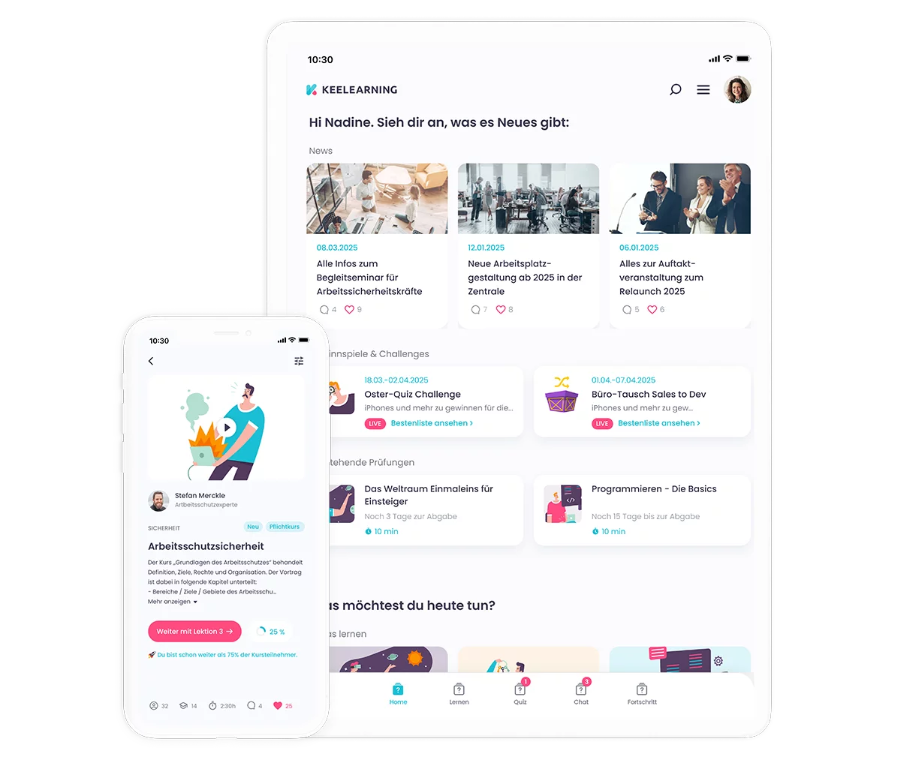
Keelearning is a combined LMS and LXP platform for companies that want to combine practical learning, microlearning, and knowledge management. The focus is on simple content creation, learning in everyday work, and the integration of frontline workers.
Areas of application:
- Employee training & internal professional development
- Mandatory instruction & compliance training
- Onboarding of new employees
- Knowledge management & performance support
- Frontline and operational training
- Building internal learning academies
Target group:
- Companies with many frontline and non-desk workers
- Medium-sized and growing companies
- IT and information service providers
- Educational providers, coaches, and academies
- Organizations with international or decentralized teams
Key functions:
- AI-supported authoring tool for your own course creation
- Course library and templates
- Multilingual course platform
- Role- & tag-based learning paths for personalizing learning content
- 1:1 guided onboarding with the Customer Success Team
- Gamification elements: Quizzes, Power Learning
- Chat with auto-translate function for international teams
- Optional managed service for professional implementation of web-based training
- (COMING SOON!) Community board & AI-supported knowledge management – askkeelearning
360learning
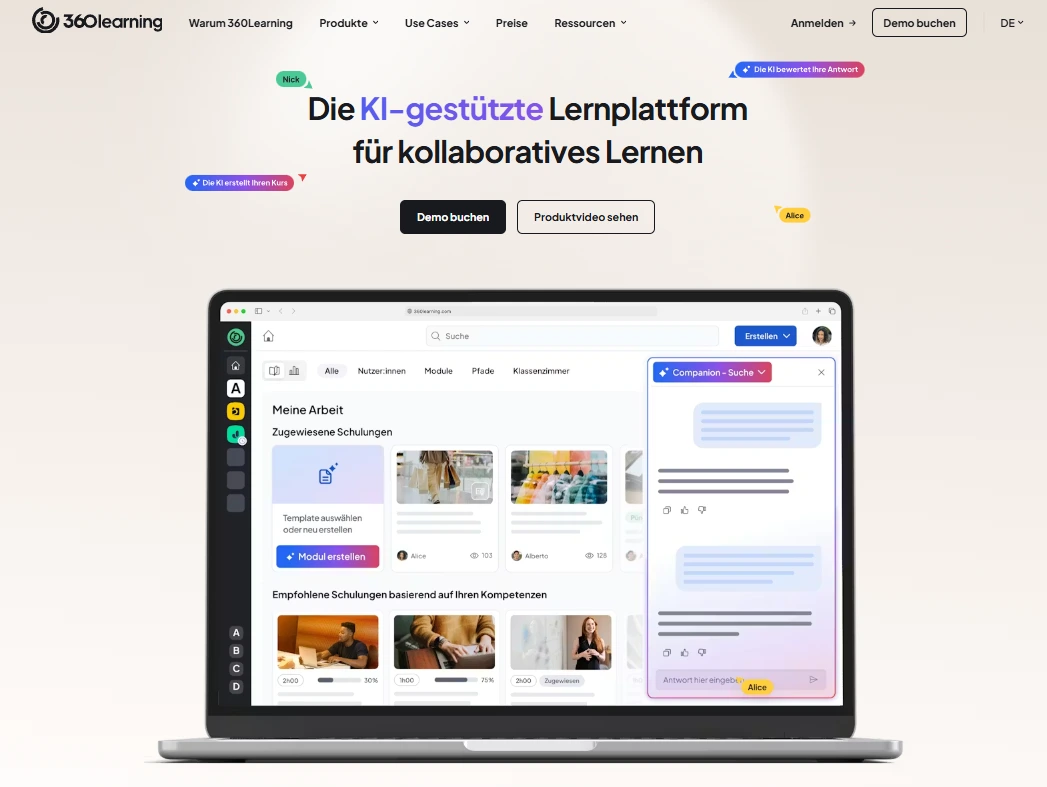
360Learning focuses heavily on collaborative learning and enables employees to create and share learning content themselves. The platform combines LMS functions with social learning elements and AI-assisted course creation.
Areas of application:
- Onboarding
- Compliance training
- Personnel and management development
- Sales training
- Customer training
- Frontline training
Target group:
- Medium-sized to large companies
- Organizations with a focus on collaborative learning
- Teams that want to scale specialist knowledge internally (Subject Matter Experts)
Key functions:
- AI-supported course creation
- Collaborative course development (User-generated content)
- Live training & blended learning formats
- Skills mapping & competency models
- Social and feedback functions
Are you looking for software like 360learning? Take a look at the best alternatives here.
TalentLMS
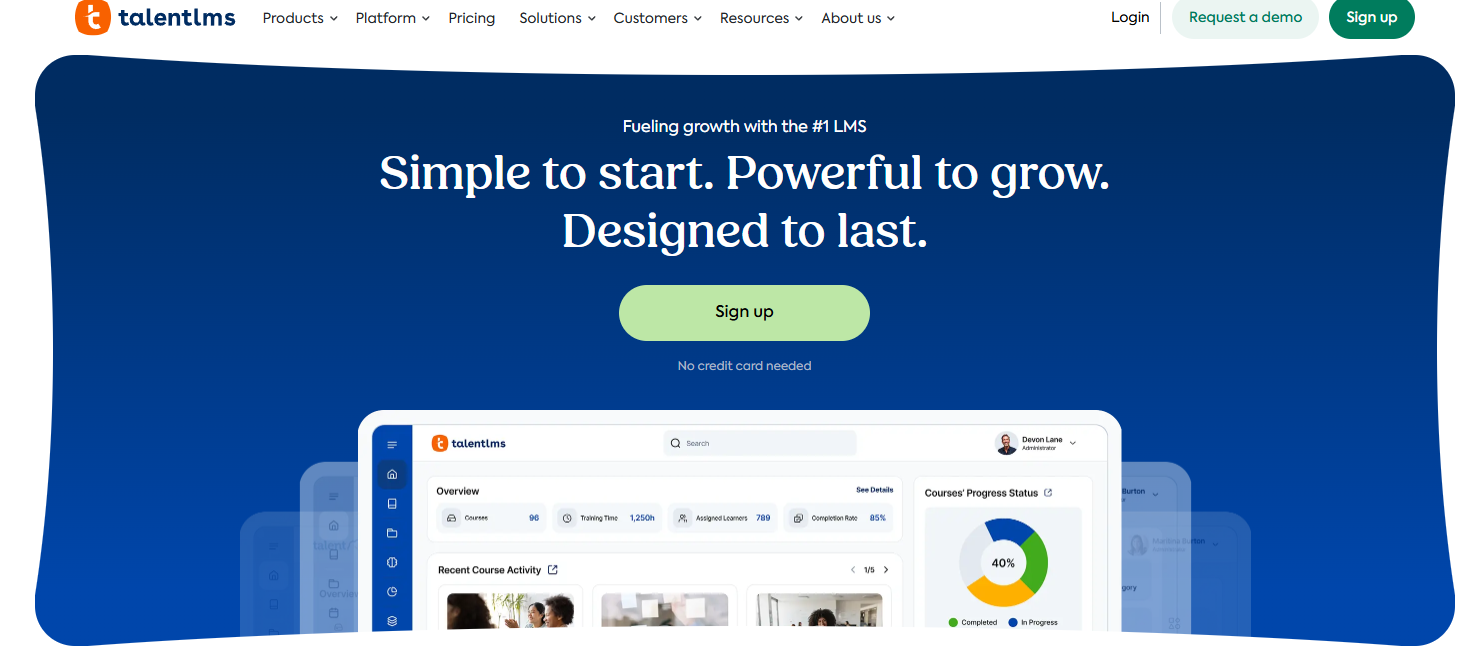
TalentLMS is a classic, cloud-based LMS that is particularly suitable for simple employee training, onboarding, and compliance training. The platform scores with quick setup and a clear user interface.
Areas of application:
- Employee training
- Onboarding
- Compliance training
- Product and customer training
- Internal professional development
Target group:
- Small and medium-sized companies
- Start-ups and growing organizations
- Teams that want to introduce an LMS quickly
Key functions:
- Course management & user management
- Certificates & completion records
- Gamification elements (badges, points)
- Integrations (e.g., HR tools, video conferencing)
- Cloud-based LMS with quick setup
Reteach
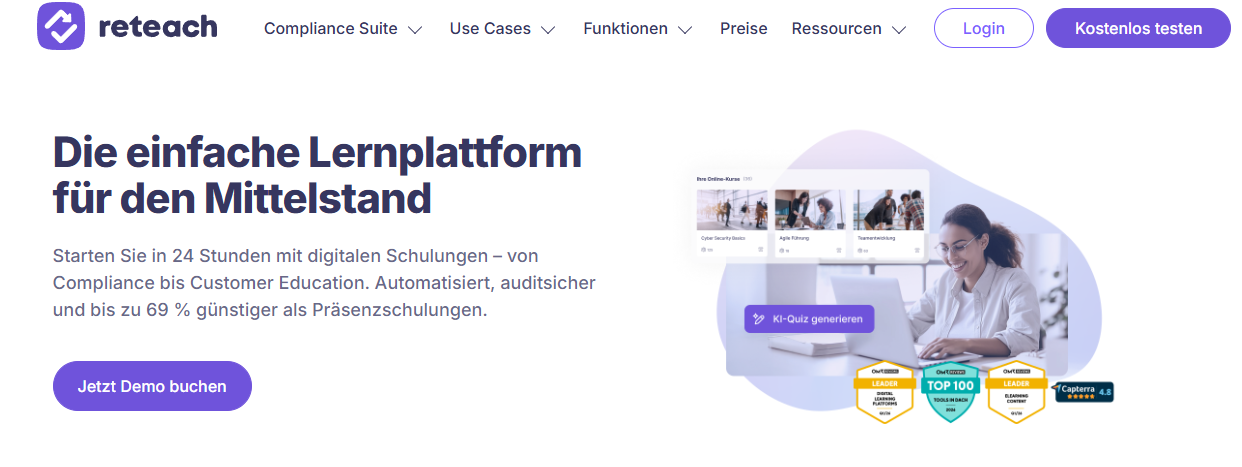
reteach is a modern learning platform with a focus on simple course creation, compliance, and safety training. It is aimed primarily at companies that want to build and share internal knowledge in a structured way.
Areas of application:
- Employee training
- Onboarding
- Safety instructions
- Compliance training
- Customer and product training
Target group:
- Companies with a focus on a modern learning experience
- Organizations that want to personalize learning more
- Teams with digitally savvy target groups
Key functions:
- Tools for course creation
- Personalized learning paths
- AI-supported quiz creation
- Analytics & learning progress evaluation
- Compliance workflows
Open Source platforms
Moodle
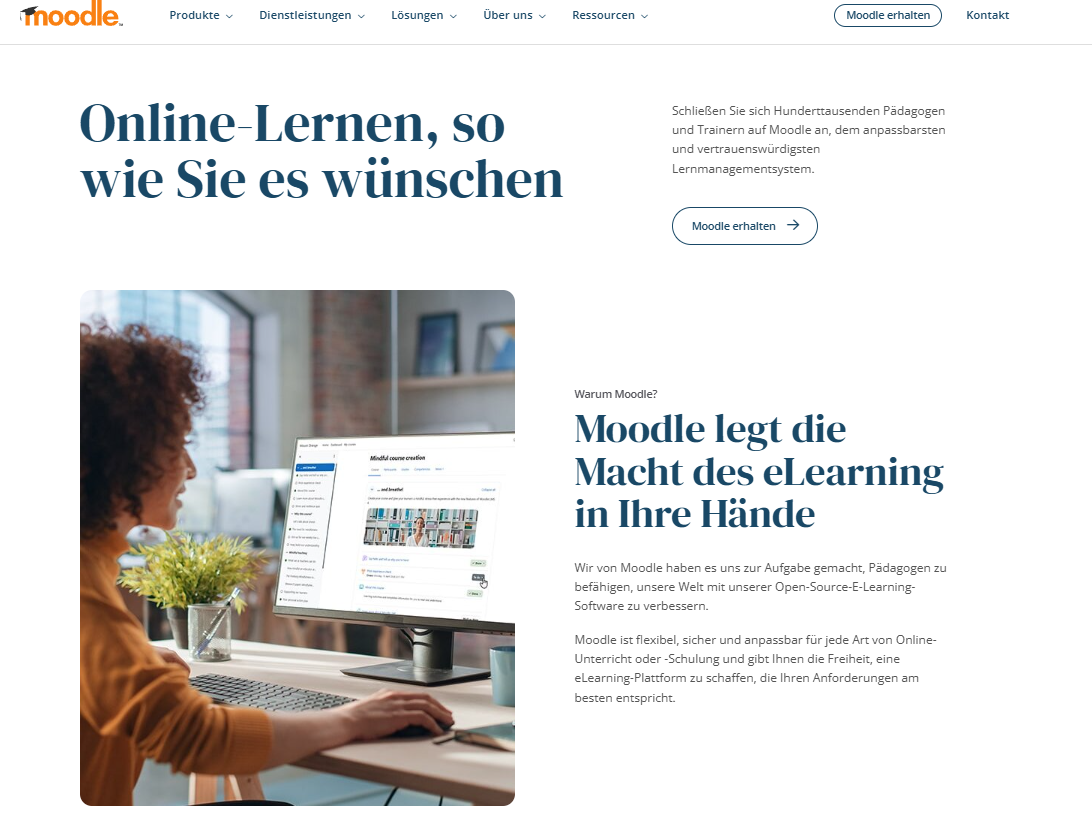
Moodle is a widely used open-source learning platform that is primarily used in the education sector. It offers extensive customization options, but requires technical know-how for operation and maintenance.
Areas of application:
- Higher education and school education
- Internal professional development
- Certificate and examination formats
Target group:
- Universities and educational institutions
- Companies with their own IT infrastructure
- Organizations with a need for high levels of customization
Key functions:
- Course and participant management
- Exams, tests, and assessments
- Extensive plugin architecture
- Role and rights system
- Self-hosting possible
ILIAS
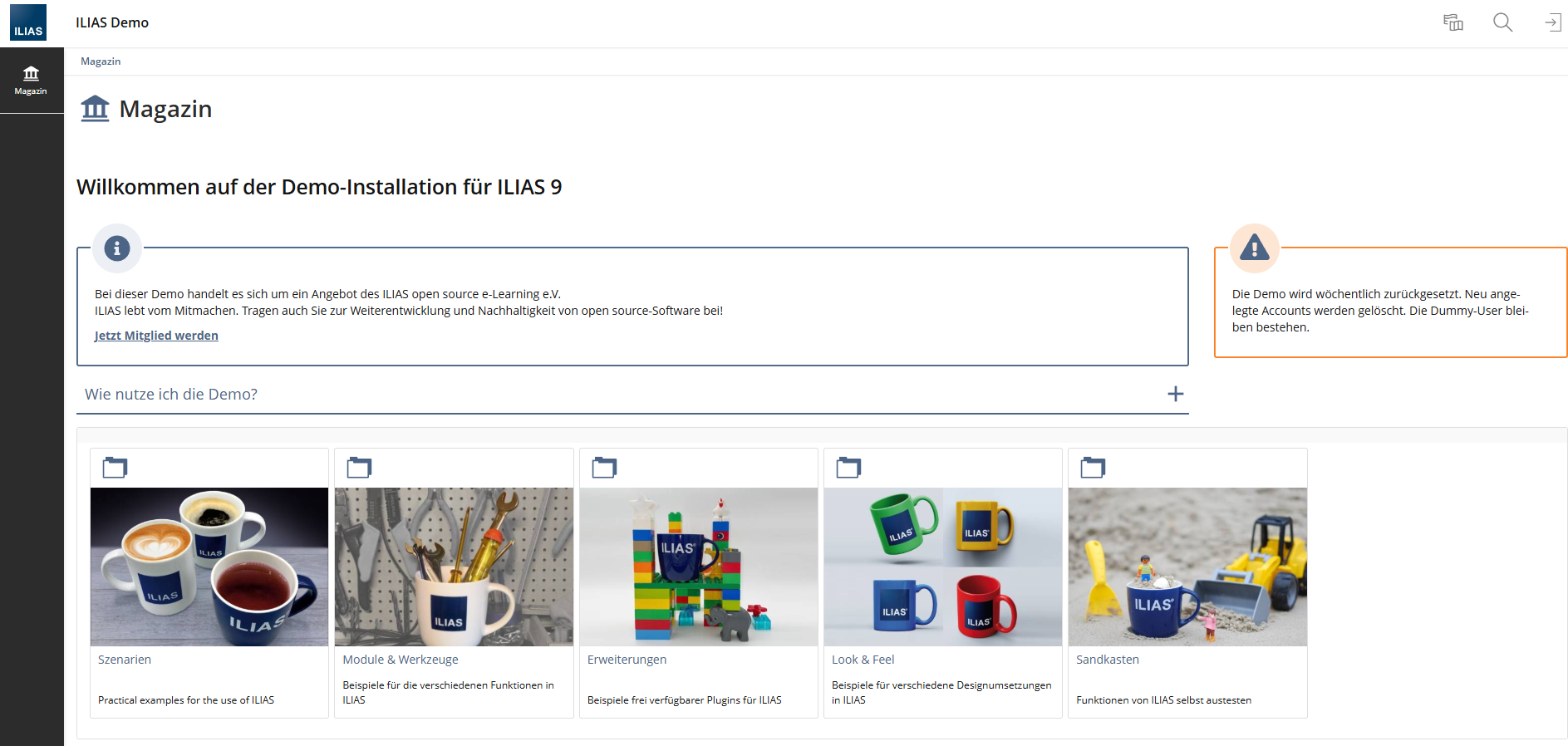
ILIAS is an open-source e-learning platform that is frequently used by public institutions, universities, and authorities. It is particularly suitable for structured learning and examination formats.
Areas of application:
- Higher education
- Public administration
- Large organizations with complex learning structures
Target group:
- Universities, authorities, NGOs
- Organizations with high data protection requirements
- Institutions with formal learning and examination processes
Key functions:
- Course and learning module management
- Examination and test systems
- Detailed role & rights management
- Open-source & self-hostable
- Strong structuring of learning content
Course libraries / Content providers
LinkedIn Learning
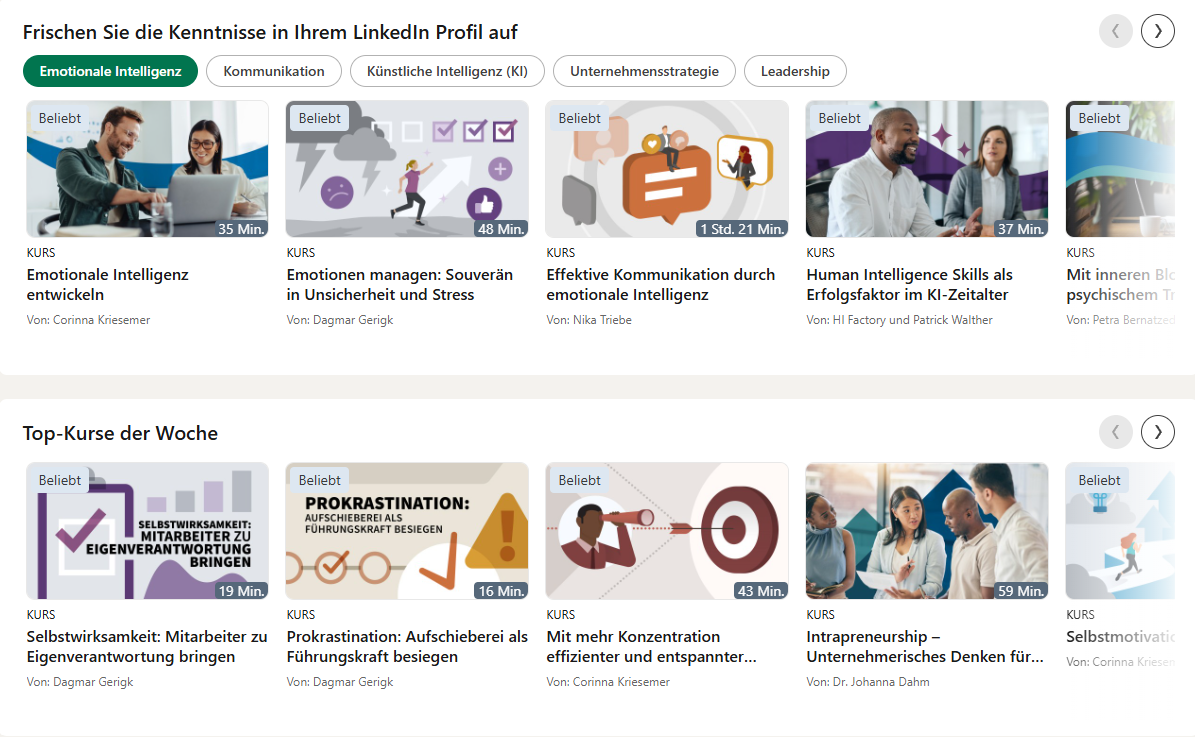
LinkedIn Learning is a content platform with a large library of pre-made courses on business, tech, and soft-skill topics. The content is available on-demand but cannot be individually customized.
Areas of application:
- Soft skills
- Leadership development
- IT and digital skills
- Personal development
Target group:
- Companies of all sizes
- Knowledge workers
- Individuals and teams
Key functions:
- Large course library
- Personalized recommendations
- Mobile use
- Integration with LinkedIn profiles
- Learning progress overviews
Coursera
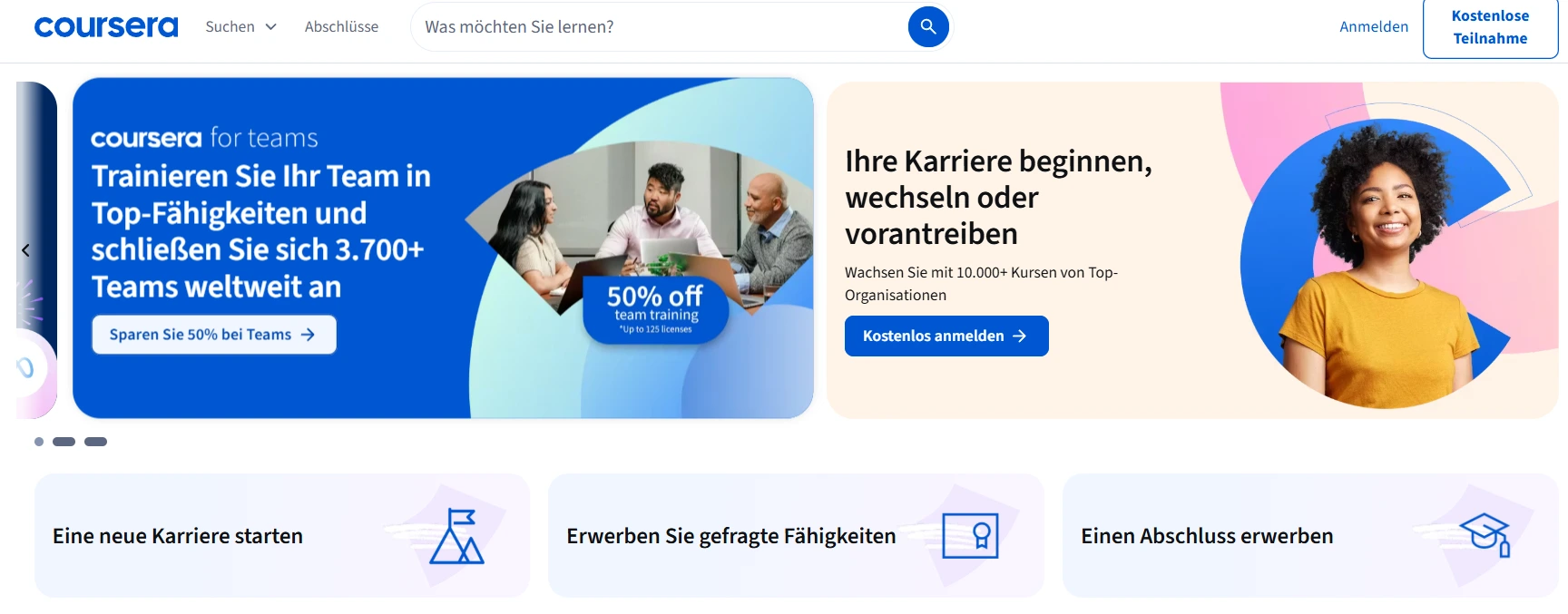
Coursera offers online courses and certificates in collaboration with universities and international educational institutions. The platform is particularly suitable for academically oriented professional development and upskilling programs.
Areas of application:
- Professional development
- Academic qualification
- Certificates & degrees
- Upskilling & reskilling
Target group:
- Companies with a focus on formal qualifications
- Individuals & international teams
- Organizations with academic standards
Key functions:
- Courses from universities & partners
- Certificates & degrees
- Structured learning paths
- International content
- Scalable learning offering
Haufe Akademie
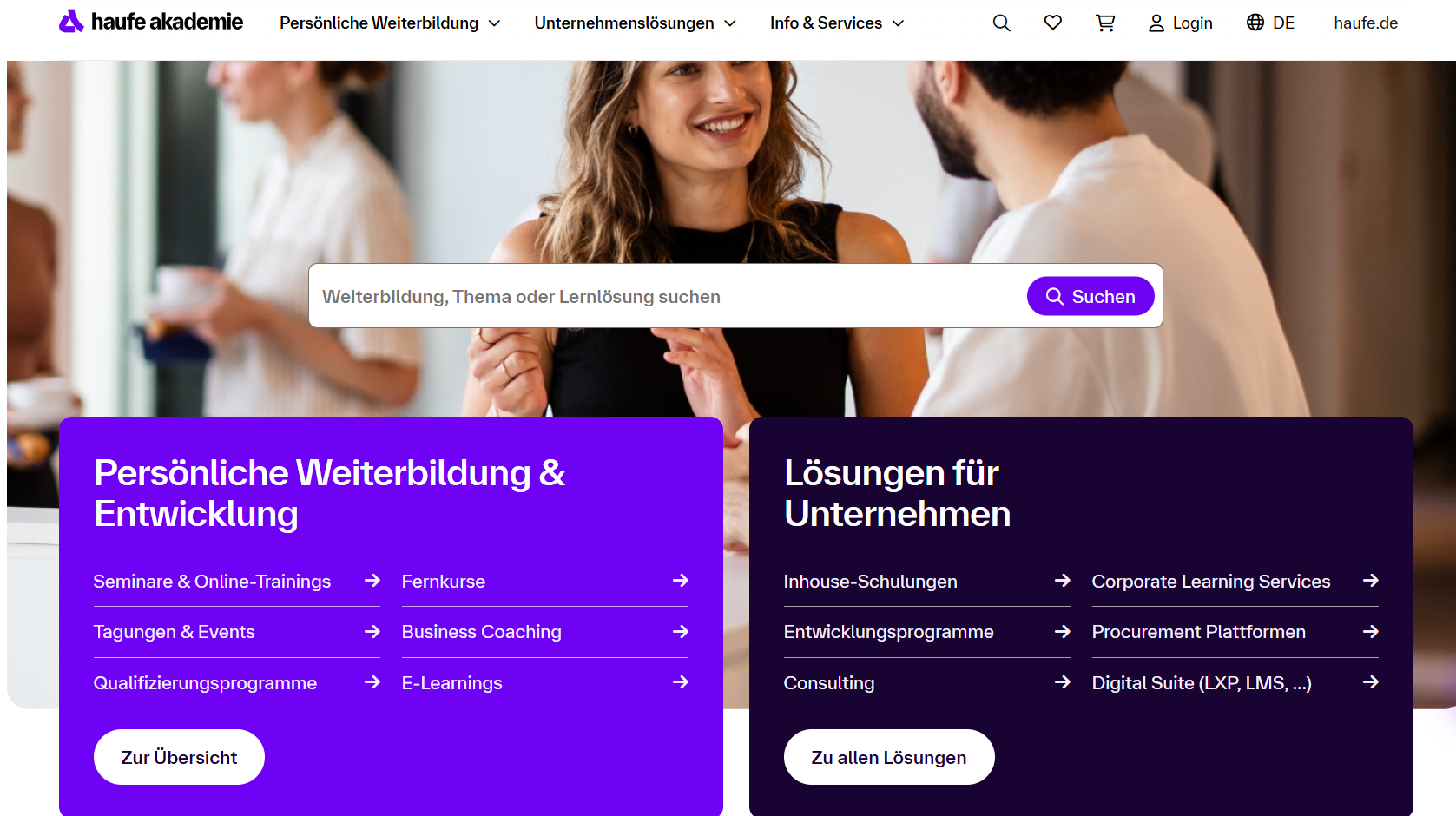
The Haufe Akademie provides a wide range of professional development, seminars, and digital learning content for companies. The focus is on legal, business, and personnel-related topics.
Areas of application:
- Personnel development
- Leadership & management
- Law, compliance & HR
- Professional development
Target group:
- Companies in the DACH region
- HR and L&D departments
- Specialists and managers
Key functions:
- Curated professional development programs
- In-person, online & blended formats
- Certifications
- Professionally verified content
- Consulting & training concepts
Kursmap
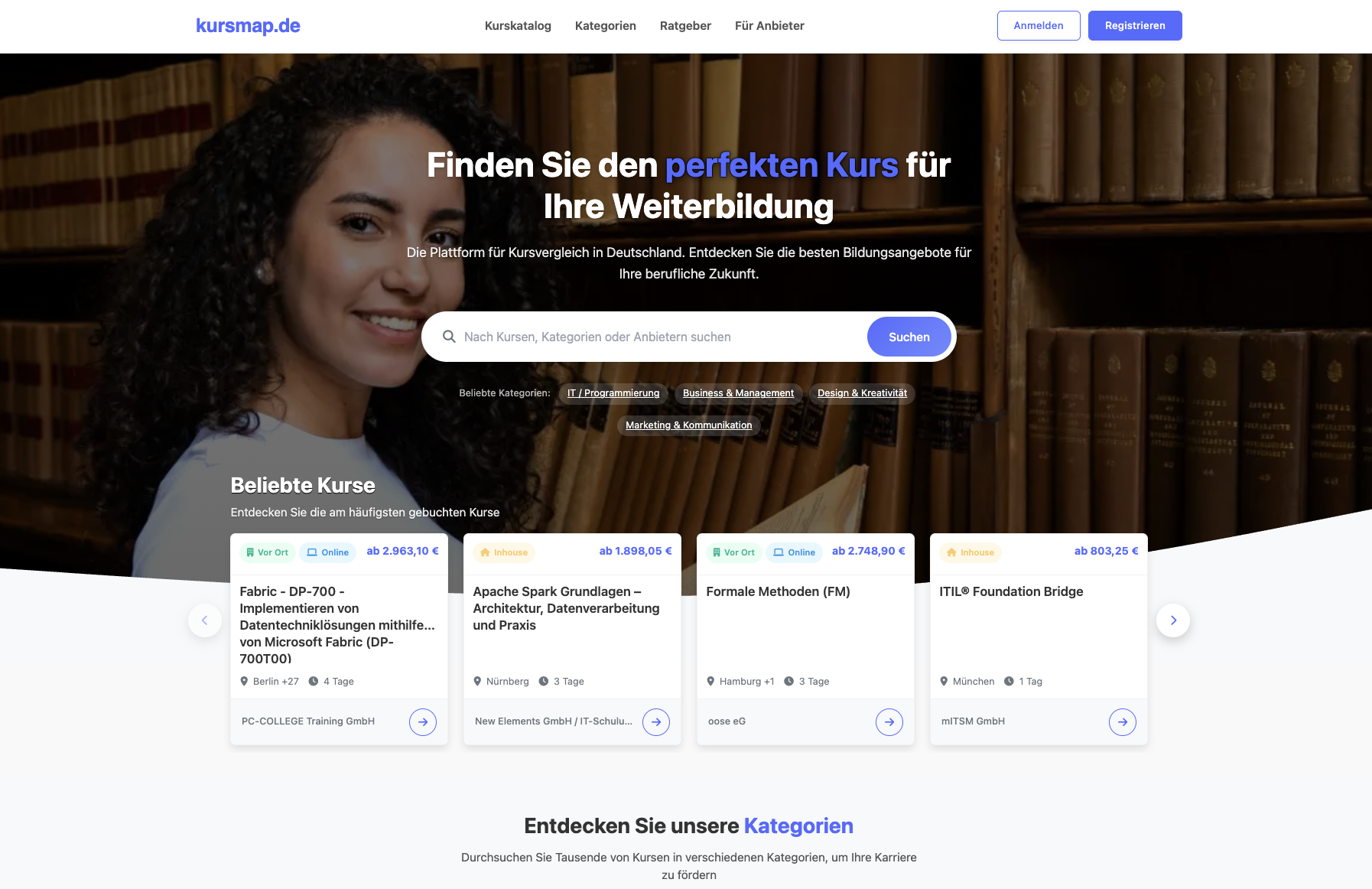
The professional development market in the German-speaking region is large, diverse, and often confusing. kursmap.de creates orientation: On the platform, companies and specialists can find courses from a wide variety of providers — bundled, filterable, and comparable.
Suitable courses can be found for every category. Users filter by topic, format (in-person, online, or hybrid), location, duration, and price, thus quickly getting a reliable overview of the suitable offer.
Areas of application:
- Structured research of external professional development
- Comparison of courses, providers, and formats
- Direct contact with educational providers
Target group:
- HR and L&D departments of medium-sized and large companies
- SMEs without internal professional development structure
- Specialists with self-directed learning needs
- Educational providers who want to increase their visibility in the DACH market
Key functions:
- Extensive filter and search options
- Transparent presentation of course content, duration, and e-learning prices
- Direct contact option to providers
- Focus on the German-speaking professional development market
Special solutions / Compliance / Enablement
Doinstruct
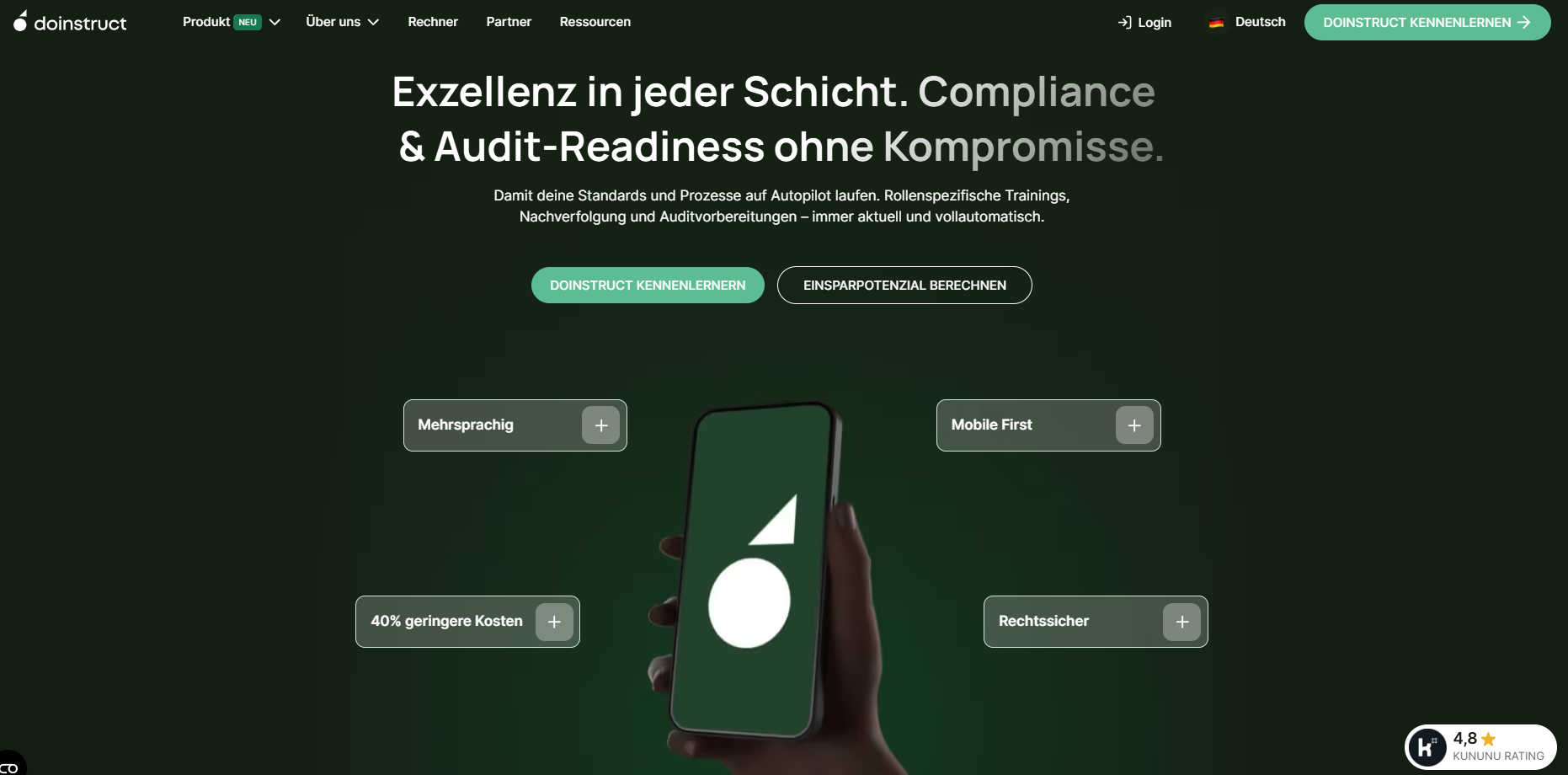
doinstruct is a specialized platform for digital mandatory instruction and compliance training, especially for operational and decentralized teams. The focus is on legally secure documentation and easy use on mobile devices.
Areas of application:
- Occupational safety
- Safety instructions
- Compliance training
- Frontline & operational training
Target group:
- Companies with non-desk workers
- Highly regulated industries (industry, logistics, construction)
- Organizations with a focus on verification obligations
Key functions:
- Mobile-first mandatory instruction
- Digital verification & documentation
- Automated reminders
- Multilingualism
- Audit & compliance reporting
Spreadmind
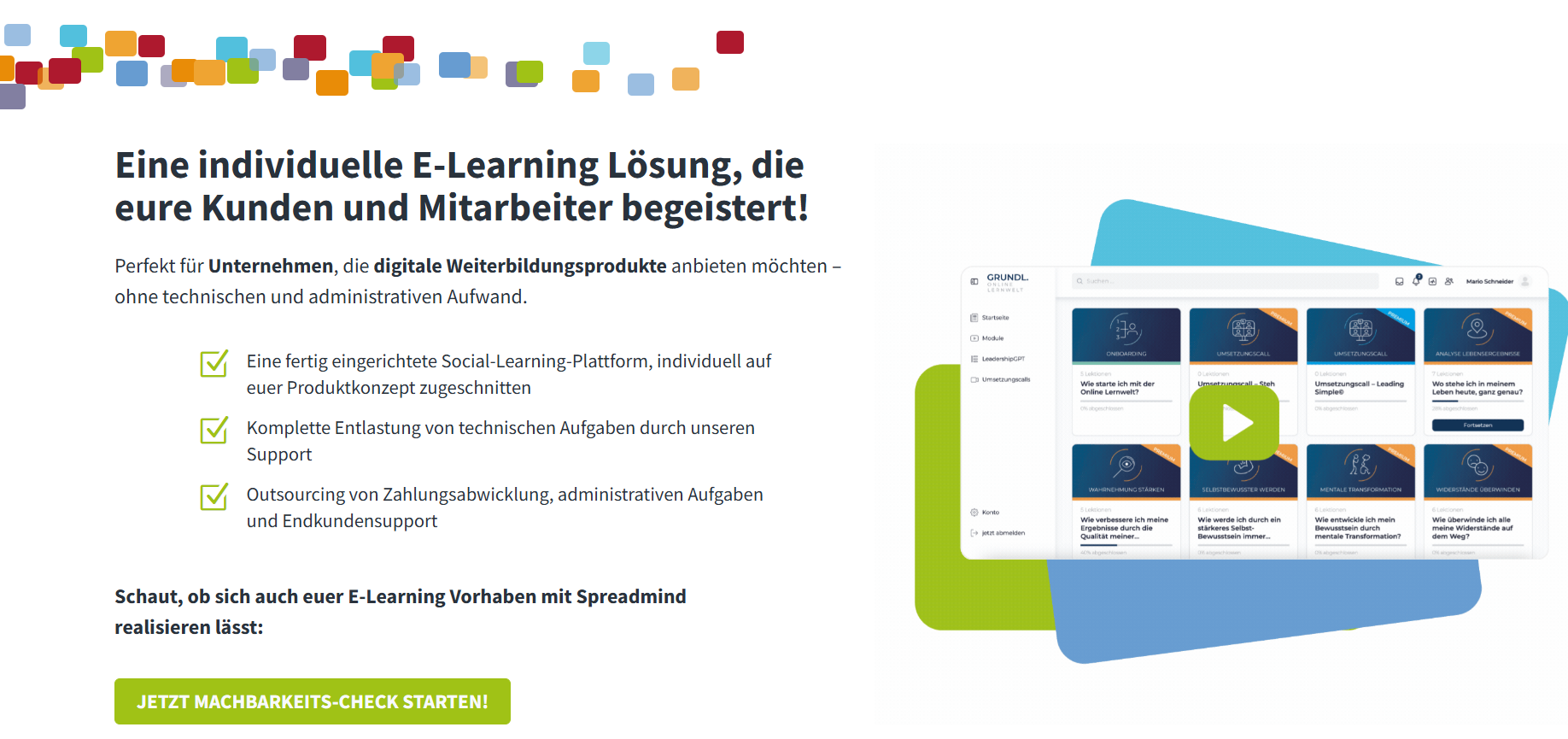
Spreadmind is a platform for knowledge management and learning enablement that supports the exchange of know-how within the company. It is frequently used for internal learning communities and informal learning.
Areas of application:
- Digital employee communication
- Knowledge distribution in the company
- Enablement of operational teams
Target group:
- Companies with many decentralized employees
- Organizations with a strong need for communication
- Frontline & blue-collar teams
Key functions:
- Mobile communication platform
- Content & news feeds
- Knowledge distribution
- Feedback & interaction functions
- Simple content creation
What should you look for when choosing your e-learning platform?
There are various factors that play a role in selecting a suitable e-learning software for your company. When testing and researching software, you should pay attention to the following:
- Target group & learning context:
Do the offered courses and possibilities fit your industry and your learning goals?
- User-friendliness & UX:
What impression does the user interface make on you? Can you operate it without further ado or do you need more support? And if the latter is true, is this assistance offered to you?
- Functions & extensibility:
Do you get all the functions you want from your learning platform with the software, and is there the possibility to add add-ons later that you might not need at the moment but could be useful later?
- Content creation vs. content consumption:
Do you want to create courses yourself or are you looking for a simple platform that already provides ready-made courses (or even both)?
- Personalization & learning paths:
What degree of personalization options do you want? Do you want to be able to customize courses, apply your own branding to the e-learning platform, and put together personal career and learning paths for your employees? Check if your chosen learning platform offers these possibilities.
- Mobile use & offline capability:
For most industries, it is most important that learning happens in everyday life. Therefore, employees from non-online industries in particular should be empowered to learn at any time via their mobile phone. Check if the e-learning platform offers an app.
- Multilingualism:
Are you managing a multilingual or global team and want to train ALL employees on the same platform? Check whether the e-learning software supports your required languages.
- Reporting & analytics:
You certainly want to keep an overview of personnel development and training in the company. Your tool should offer you the possibility to see important statistics such as course completions, etc., in a dashboard.
- Integrations (HR systems, SSO, etc.):
Are you already using other HR software and want your e-learning platform to be seamlessly linked with it? Or do you want to make it easy for your employees and provide single sign-on for your learning software? Ask or check whether these systems are supported by the learning platform or if a corresponding integration can be set up.
- Data protection & hosting (GDPR!):
E-learning platforms in companies work with employee and company data. Therefore, check in good time whether the platform is GDPR-compliant.
- Scalability & price structure:
Of course, money and the performance of the tool also play a role. Does it fit your company size and your budget?
Important functions of an e-learning platform
Not every e-learning platform offers the same functions – and not every function is equally relevant for every company. We have created a checklist with must-haves, nice-to-haves, and future-relevant (optional) functions to make your selection easier.
Must-have functions
These functions form the basis for professional and scalable use of e-learning in the company:
- Course & user management
Central management of learning content, courses, groups, roles, and rights.
- Tracking & reporting
Tracking learning progress, completions, certificates, and participation rates.
- Mandatory training & certificates
Binding courses with deadlines, automatic reminders, and proof.
- Mobile use & responsive design
Access to learning content via smartphone, tablet, and desktop.
- Simple authoring tool or content import
Creation of your own courses or import of common formats (e.g., SCORM, videos, PDFs).
- User-friendliness (UX/UI)
Intuitive operation for learners and administrators – without long training periods.
- Data protection & security (GDPR)
Hosting, data processing, and access rights according to European data protection standards.
Nice-to-have functions
These functions increase acceptance, motivation, and efficiency but are not absolutely necessary:
- Gamification elements
Points, badges, levels, or quiz formats to increase learning motivation.
- Multilingualism & automatic translations
Particularly relevant for international or diverse teams.
- Live training & webinars
Integration of virtual classrooms or live sessions.
- Integration with existing systems
e.g., HR software, SSO, Microsoft Teams, or Slack.
- Individual learning paths
Different learning content depending on role, department, or level of knowledge.
- Content libraries & templates
Get started quickly with ready-made courses and structures.
Future-relevant functions (AI, personalization, social learning)
These functions are becoming increasingly important and characterize modern learning platforms:
- AI-supported course creation & content recommendations
Automated support in the creation, updating, and recommendation of learning content.
- Personalization of the learning offering
Learning paths, content, and recommendations based on role, behavior, or skill level.
- Social & collaborative learning
Exchange via comments, chats, communities, peer learning, or user-generated content.
- Knowledge management & search functions
Central storage of knowledge with intelligent search ("Ask the platform").
- Microlearning & learning-in-the-flow-of-work
Short learning units that can be used directly in everyday work.
- Data-based competency development (skill tracking)
Linking learning activities with skill frameworks and development goals.
E-Learning platform vs. training
The essential difference between a training course and an e-learning platform is that with a training course, you simply book one (or more) courses. With an e-learning platform, you usually get much more: an overview of who has completed courses when and how successfully, the ability to create courses yourself, or tools for playful and collaborative learning.
Simple training courses have the advantage that you can simply book them and have them available immediately, possibly at a moderate price. E-learning platforms are especially worthwhile for companies that invest in the learning and development of their employees and want to achieve more than "just learning".
When e-learning makes sense – and when it doesn't
An e-learning platform is especially worthwhile when learning is not a one-time event, but a continuous process in the company.
E-learning makes sense when:
- employees are regularly trained or onboarded
- mandatory training must be documented and verified
- knowledge should be conveyed in a scalable, uniform, and location-independent way
- learning progress should be measurable and evaluable
- learning should be more strongly integrated into everyday work
E-learning is less useful when:
- only a single training session is needed one-time
- there are no internal resources for ma
Key Takeaways
Table of Contents
Ready for training that works?
Get to know keelearning in a personal demo – no obligation and tailored to your needs.
Share
Lorem ipsum dolor sit amet, consectetur adipiscing elit. Suspendisse varius enim in eros elementum tristique. Duis cursus, mi quis viverra ornare, eros dolor interdum nulla, ut commodo diam libero vitae erat. Aenean faucibus nibh et justo cursus id rutrum lorem imperdiet. Nunc ut sem vitae risus tristique posuere.



The learning platform for businesses looking to make their training simple, mobile, and accessible to all – with no IT overhead.


