All blog posts
Published on
01.07.2026
Connect employees: 9 ideas for digital collaboration

Lisa Kubatzki
Senior Content Marketing Manager @ keelearning
description

A team isn't automatically connected just because everyone uses the same chat or platform. True connection only emerges when employees can reach each other, share knowledge, ask questions, and feel like part of a collective whole.
In daily work, this is often challenging. Remote teams work in different locations. Frontline staff are in branches, in the field, in production, or in service. New employees don't yet know the right contacts. Experienced colleagues possess valuable knowledge that often remains with individuals.
In short: If you want to connect employees, you need clear structures, easy exchange opportunities, and a learning culture where knowledge is actively shared.
Too Long, Didn’t Read: Connecting Employees
• The best way to connect employees is through clear digital spaces, shared learning content, community features, and simple exchange formats.
• Particularly challenging are distributed locations, language barriers, different working hours, information silos, and unclear responsibilities.
• An employee community works well when it has a clear purpose, is moderated, and offers real value for daily work.
• keelearning is particularly suitable for companies that want to combine learning, knowledge transfer, internal communication, multilingualism, and community features.
Discover keelearning for your employee community
Why Employee Networking is So Important Today
Employee networking isn't just a cultural issue. It influences how quickly knowledge flows, how well teams collaborate, and how strongly employees feel connected to the company.
This is particularly closely linked to Knowledge Management in Companies together. After all, valuable experiential knowledge often arises in daily work. This knowledge shouldn't remain with individuals but should become accessible to teams, locations, and new employees.
Especially in companies with multiple locations, information gaps quickly arise. One team may already know new processes, while another is still working with outdated information. New employees don't know whom to ask. Expert knowledge remains with individual specialists, even though it would also be valuable for other teams.
Accordingly, networking is not just about social proximity. It's also about efficiency, quality, and knowledge transfer. Well-networked employees clarify questions faster, learn from each other, and share experiences more easily.
What are the biggest challenges?
Connecting employees sounds simple at first. In practice, however, it often fails due to everyday hurdles.
Different Work Locations
When teams are spread across multiple locations, branches, or operational areas, spontaneous exchange is lacking. Information spreads more slowly, and employees feel less like part of a common team. This is why it is particularly important for operational teams and frontliners E-learning for Firstline Workers relevant, because learning, communication, and knowledge transfer must be available directly in their daily work.
Different Working Hours
Shift work, part-time models, field service, or international teams complicate synchronous communication. Those who share important information only in meetings or live appointments quickly reach only a fraction of the workforce.
Language Barriers
International teams bring valuable perspectives. At the same time, different languages complicate exchange if information is only available in one language. Therefore, Multilingualism through automatic translation becomes an important factor. Employees are more likely to participate if they understand content and can access information in their preferred language.
Information Silos
Knowledge often arises where people solve problems daily. However, this knowledge often remains within the team, in private chats, or with individual experts. A central knowledge structure prevents valuable experiences from being lost and the same questions from having to be clarified repeatedly.
How do I connect employees digitally?
Digital connectivity thrives when communication, knowledge, and collaboration are considered together. The following ideas help transform individual tools into a vibrant employee community.
1. Create a central digital space
The first step is a central hub where employees can find information, ask questions, and receive updates. It's crucial that this space isn't exclusively for HR or management; employees should be able to actively participate there themselves.
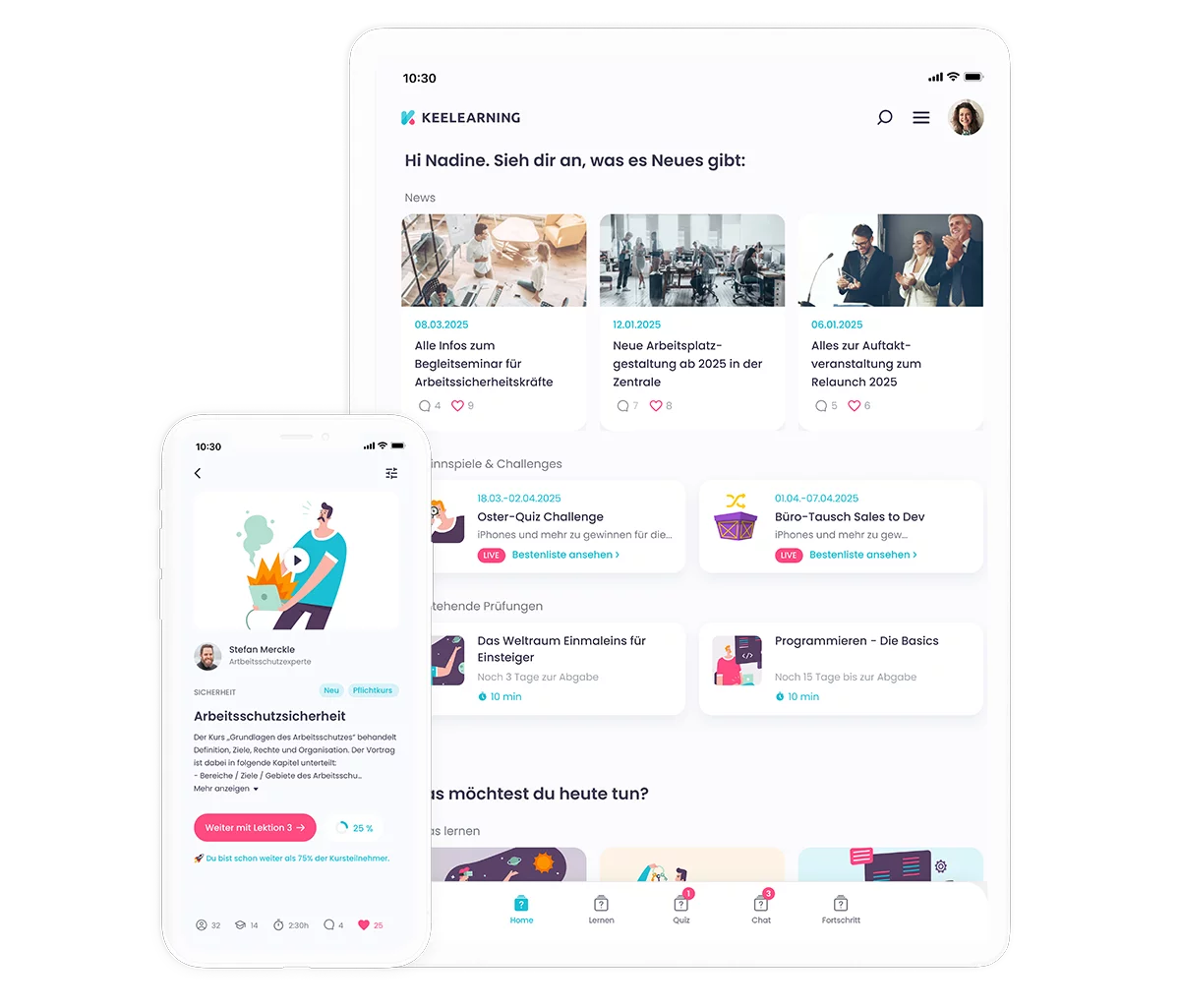
keelearning supports this approach through media library and news, communication and evaluation as well as community features. This creates not only a place for training but also a space for knowledge, exchange, and collaborative development.
2. Connect learning with exchange
Learning becomes more effective when employees don't just consume content but also discuss it. Therefore, training and community functions should be linked.
After a product training course, employees can ask questions, share experiences, or add best practices. After an onboarding session, new team members can give feedback or exchange ideas with experienced team members. This approach can be particularly well combined with a structured digital onboarding .
3. Utilize topic-based community spaces
A good employee community needs structure. Thematic spaces help keep discussions organized.
Possible community areas include:
• Onboarding and initial questions
• Product training and updates
• Best practices from daily work
• Questions for HR
• Ideas and suggestions for improvement
• Knowledge from projects
This helps employees find relevant information faster. It also reduces digital noise because topics aren't mixed together in a single general channel.
4. Make knowledge visible
Every company has individuals with a wealth of experience. These are often long-serving employees, site managers, trainers, or operational experts. This knowledge shouldn't only be passed on verbally.
Digital formats such as short videos, checklists, flashcards, FAQ articles, or microlearning units make knowledge visible and reusable. Via course library and templates recurring content can be structured and made available more quickly.
5. Reduce language barriers through translation
Multilingualism is crucial if you truly want to engage employees. After all, connection only happens when people understand content and can confidently participate.
With automatic translation content can be made available in multiple languages. This ensures that information also reaches employees who feel more comfortable in another language.
6. Promote peer-to-peer learning
Peer-to-peer learning means employees learn from each other. Digital tools can specifically foster this exchange.
Examples:
• Employees share tips from their daily work.
• Experienced colleagues answer questions from new team members.
• Teams post examples of successful processes.
• Site managers share best practices.
• Experts create short explainer content.
Such formats work well with quizzes, gamification, and knowledge checks . This not only facilitates knowledge sharing but also playfully reinforces it.
7. Start with small rituals
Communities don't grow solely through large campaigns. Often, small, regular rituals are more effective. These include the question of the week, a tip of the month, a welcome post for new employees, short surveys after training sessions, or a learning challenge.
Such formats lower the barrier to entry. They also explicitly show that participation is encouraged.
8. Give leaders an active role
Leaders determine whether digital networking is embraced. If they are not visible themselves, the community is quickly perceived as an optional add-on project.
Therefore, leaders should actively comment, answer questions, initiate posts, and highlight successes. At the same time, they need clear guidance on what role they should play in the community.
9. Measure what works
Employee networking requires qualitative and quantitative signals. What's meaningful is not just the number of logins, but whether employees use relevant content, ask questions, complete training, and provide feedback.
With Analytics and Reporting allows you to understand which content is being used, where learning progress is visible, and which topics are particularly relevant.
Which tools help connect employees?
The choice of tools depends on what you want to achieve. Do you primarily want to chat, share knowledge, enable training, disseminate news, or build a long-term community?
This overview was written in June 2026. We strive to keep all information as up-to-date as possible and update it regularly. However, if you wish to familiarize yourself with the offerings of the mentioned providers, you should consult their official website or contact a representative.
Why keelearning is interesting for connected learning communities
keelearning is particularly relevant when employees need to not only communicate with each other but also learn together. The platform combines digital training with communication and community features. This creates a space where knowledge is not just provided but also developed further.
Key features include:
• mobile learning content for employees without a fixed PC workstation
• News and Media Library as a central knowledge source
• Communication and Evaluation for exchange and feedback
• automatic translation for multilingual teams
• structured content for Onboarding, employee training and product training or sales training
This is particularly valuable for companies with distributed teams. Frontline staff, new employees, managers, and experts gain a shared digital space. Thus, training becomes not just knowledge transfer, but a vibrant exchange.
Individual teams become a network
Connecting employees doesn't mean opening yet another channel. It means meaningfully connecting knowledge, questions, experiences, and people.
Distributed teams, in particular, need digital spaces where they can quickly find their bearings. Remote employees, frontline staff, new team members, and managers benefit when communication, learning, and exchange come together in one place.
If you want to digitally connect your employees, it's worth considering where real-world exchange happens. Your solution should start there: close to the people, easy to use, and powerful enough to make knowledge permanently visible.
keelearning helps companies not only digitally train employees but also connect them. Our platform combines employee training, mobile learning, internal communication, automatic translation, and community features. This creates a digital space where employees can learn, ask questions, and share knowledge across locations, languages, and roles.
Book a keelearning demo now and digitally connect your employees
FAQ: Connecting Employees
How can I digitally connect my employees?
You can digitally connect employees by creating a central digital space for communication, knowledge, and exchange. Employee apps, learning platforms, community features, thematic channels, news sections, chat functions, and multilingual content are particularly helpful.
What ideas help to better connect employees?
Helpful ideas include digital community spaces, peer-to-peer learning, thematic exchange groups, short learning challenges, internal news, best practice contributions, onboarding communities, regular surveys, and formats like 'Question of the Week'.
What tools help with employee networking?
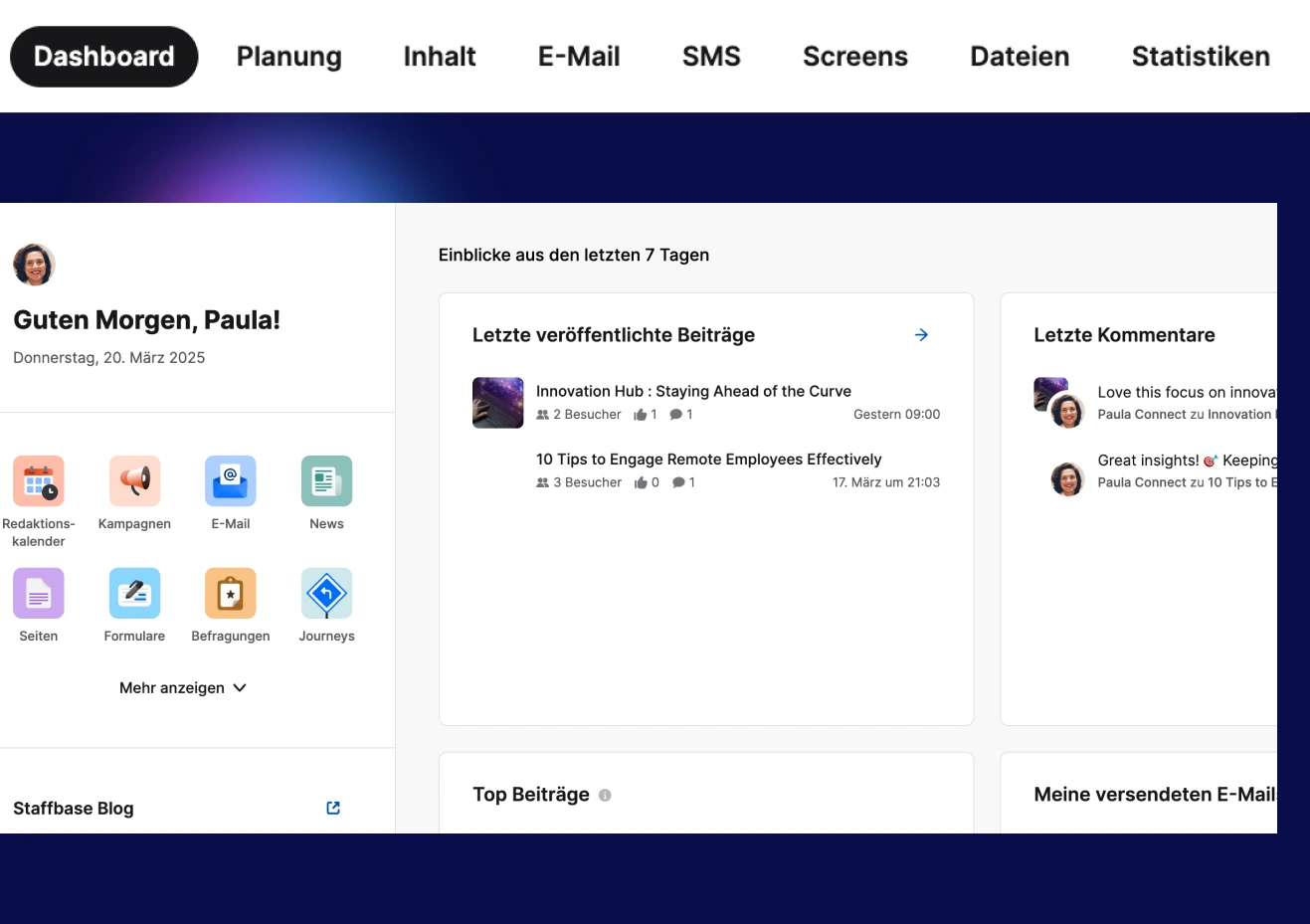
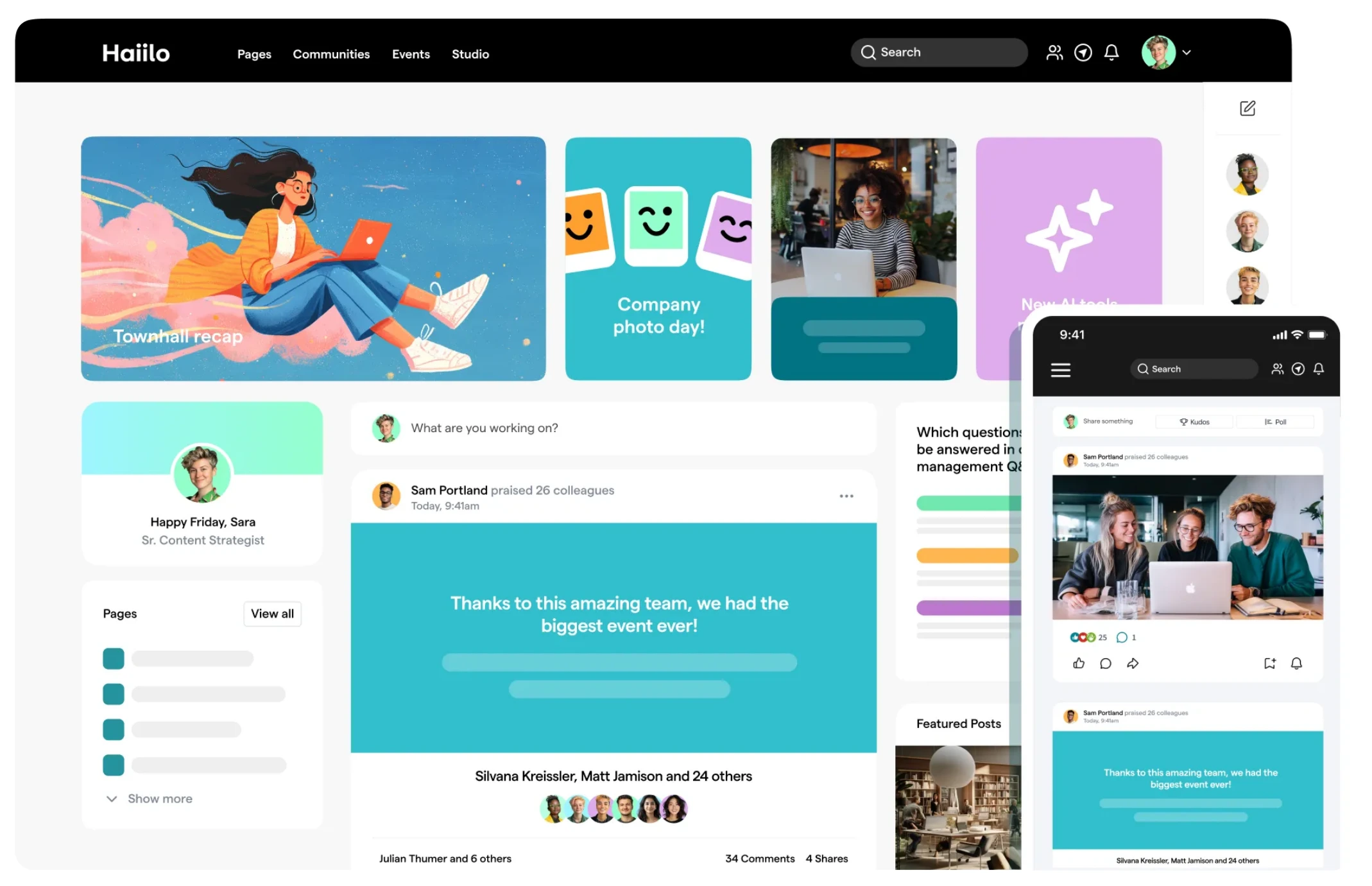
Different tools are suitable depending on the goal. keelearning is particularly suitable when learning, knowledge transfer, communication, and community are to be combined. Microsoft Teams or Slack primarily support chat and collaboration. Staffbase or Haiilo are more focused on internal communication.
Can I test keelearning for digital employee networking?
Yes, companies can get an impression of how keelearning connects training, communication, and community features. For this purpose, it is ideal keelearning, especially if you want to connect employees across multiple locations, languages, or roles.
Why is multilingualism important for employee networking?
Multilingual tools ensure that employees understand information and can participate confidently. This is particularly crucial in international teams, for frontline workers, or in companies with multiple locations, so that networking does not fail due to language barriers.
Table of Contents
Ready for training that works?
Get to know keelearning in a personal demo – no obligation and tailored to your needs.
Share
Lorem ipsum dolor sit amet, consectetur adipiscing elit. Suspendisse varius enim in eros elementum tristique. Duis cursus, mi quis viverra ornare, eros dolor interdum nulla, ut commodo diam libero vitae erat. Aenean faucibus nibh et justo cursus id rutrum lorem imperdiet. Nunc ut sem vitae risus tristique posuere.




The learning platform for businesses looking to make their training simple, mobile, and accessible to all – with no IT overhead.